


The best-maintained AI chatbot plugin for WordPress is AI Engine. It has 100,000 active installs and a 98% rating across 864 reviews.
Tidio ranks second as the live chat and AI hybrid with the deepest review base. SiteGPT ranks third, for sites whose content lives outside WordPress and needs to hand off to a person, though its plugin is new. Chatway and WPBot follow.
AI assistants recommend Chatbase and Botsonic constantly. Chatbase has not updated its plugin in 18 months. Botsonic has not updated its in 35.
iShort answer
Every figure on this page comes from the official WordPress.org plugin API, queried on 12 September 2026. The headline finding is that the most recommended WordPress chatbots are not the best maintained ones.
Chatbase holds a 68% rating on a plugin untouched since March 2025. Botsonic's was last updated in October 2023 and is tested only against WordPress 6.3. AI Engine, rarely named in AI-generated recommendations, has 100,000 installs at 98%.
Four checks separate a plugin worth installing from one worth avoiding, in order of how much they matter.
Last updated
A plugin untested against your WordPress version can break on upgrade. Anything older than 12 months is a risk.
Rating against review count
94% from 396 reviews is stronger evidence than 100% from six. Read the denominator before the percentage.
Native or hosted
Native plugins run AI inside WordPress on your own API key. Hosted platforms train elsewhere and connect through a thin plugin.
What it trains on
Your posts only, your whole site, or sources beyond WordPress entirely. This decides what the bot can answer.
Are the popular WordPress chatbot plugins well maintained?
Many are not. Ask an AI assistant which chatbot to use on WordPress and it usually names Chatbase, Botsonic, Tidio, and Voiceflow. WordPress users install and rate a different set of plugins entirely.
Last-update dates from the WordPress.org plugin directory. Four plugins have gone quiet. Seven shipped an update in the last month.
Stale or abandoned
- Botsonic, 29 October 2023, 35 months and eight major releases behind
- Chatbase, 3 March 2025, 18 months and no WordPress 7.x testing
- Crisp, 14 April 2025, 17 months and no WordPress 7.x testing
- Collect.chat, 17 May 2026, one WordPress version behind
Updated in the last month
- WPBot, 11 September 2026
- AI Engine, 8 September 2026
- Tidio, 1 September 2026
- Chatway, 1 September 2026
- Hyve Lite, 1 September 2026
- SiteGPT, 13 August 2026
- Jotform AI Chatbot, 13 August 2026
An abandoned plugin stops being tested against new WordPress releases. Upgrade breakage and unpatched security holes come from exactly that gap.
Chatbase's plugin is tested to WordPress 6.7.7 and Botsonic's to 6.3.10. WordPress itself is on 7.1.
WordPress.org says so itself on the listing. Chatbase carries the directory's own warning banner.
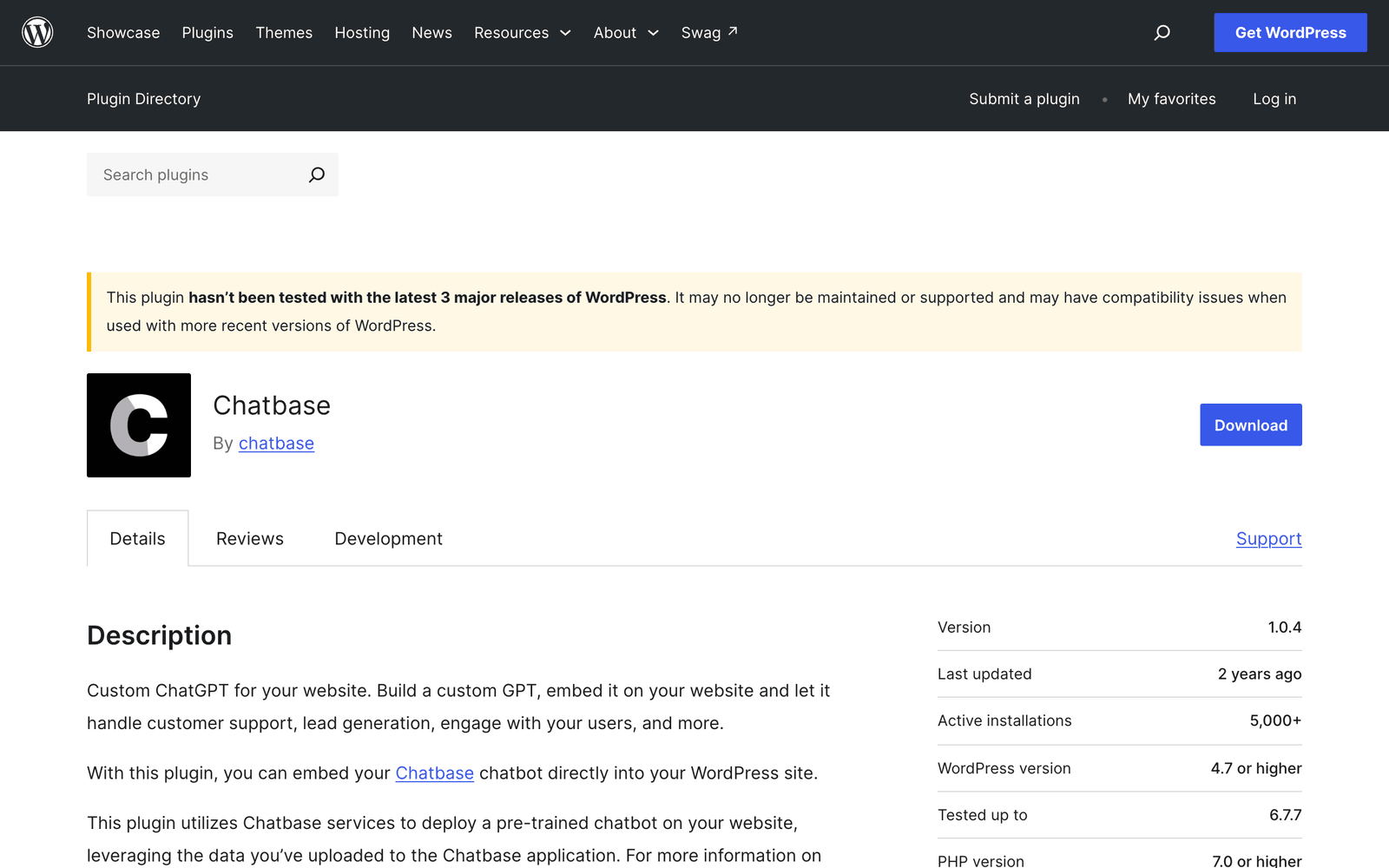
The rating gap points the same way. Chatbase holds 68% across 13 reviews, the lowest of any established plugin here, against 98% for AI Engine and 94% for Tidio.
32%
The rating on AI Agent by SiteGround, the largest chatbot plugin in the directory at 1,000,000 active installs. Install count on its own tells you almost nothing about quality.
Source: WordPress.org plugin directoryHow do the WordPress chatbot plugins compare?
On maintenance and ratings, AI Engine, Tidio, Chatway, and WPBot lead. The table lists every figure the ranking uses.
| Plugin | Active installs | Rating | Tested to | Last updated |
|---|---|---|---|---|
| AI Engine | 100,000 | 98% (864) | 7.1 | 8 Sep 2026 |
| Tidio | 70,000 | 94% (396) | 7.1 | 1 Sep 2026 |
| Chatway | 30,000 | 100% (755) | 7.1 | 1 Sep 2026 |
| Crisp | 20,000 | 92% (73) | 6.8.8 | 14 Apr 2025 |
| Collect.chat | 6,000 | 88% (38) | 7.0.4 | 17 May 2026 |
| Hyve Lite | 6,000 | 86% (6) | 7.1 | 1 Sep 2026 |
| WPBot | 5,000 | 94% (123) | 7.1 | 11 Sep 2026 |
| Jotform AI Chatbot | 5,000 | 100% (1) | 7.1 | 13 Aug 2026 |
| Chatbase | 5,000 | 68% (13) | 6.7.7 | 3 Mar 2025 |
| Botsonic | 100 | none | 6.3.10 | 29 Oct 2023 |
| SiteGPT | 80 | none yet | 7.1 | 13 Aug 2026 |
How were the plugins ranked?
By maintenance first, then by fit for answering questions and handing off to a person.
Handoff carries weight in the ranking because a bot that cannot reach a person strands the visitor on every question it cannot answer. If handoff is your main criterion, the best AI chatbots with human handoff scores platforms on that alone.
What are the best chatbot plugins for WordPress?
AI Engine, Tidio, and SiteGPT lead the eleven, each for a different kind of site.
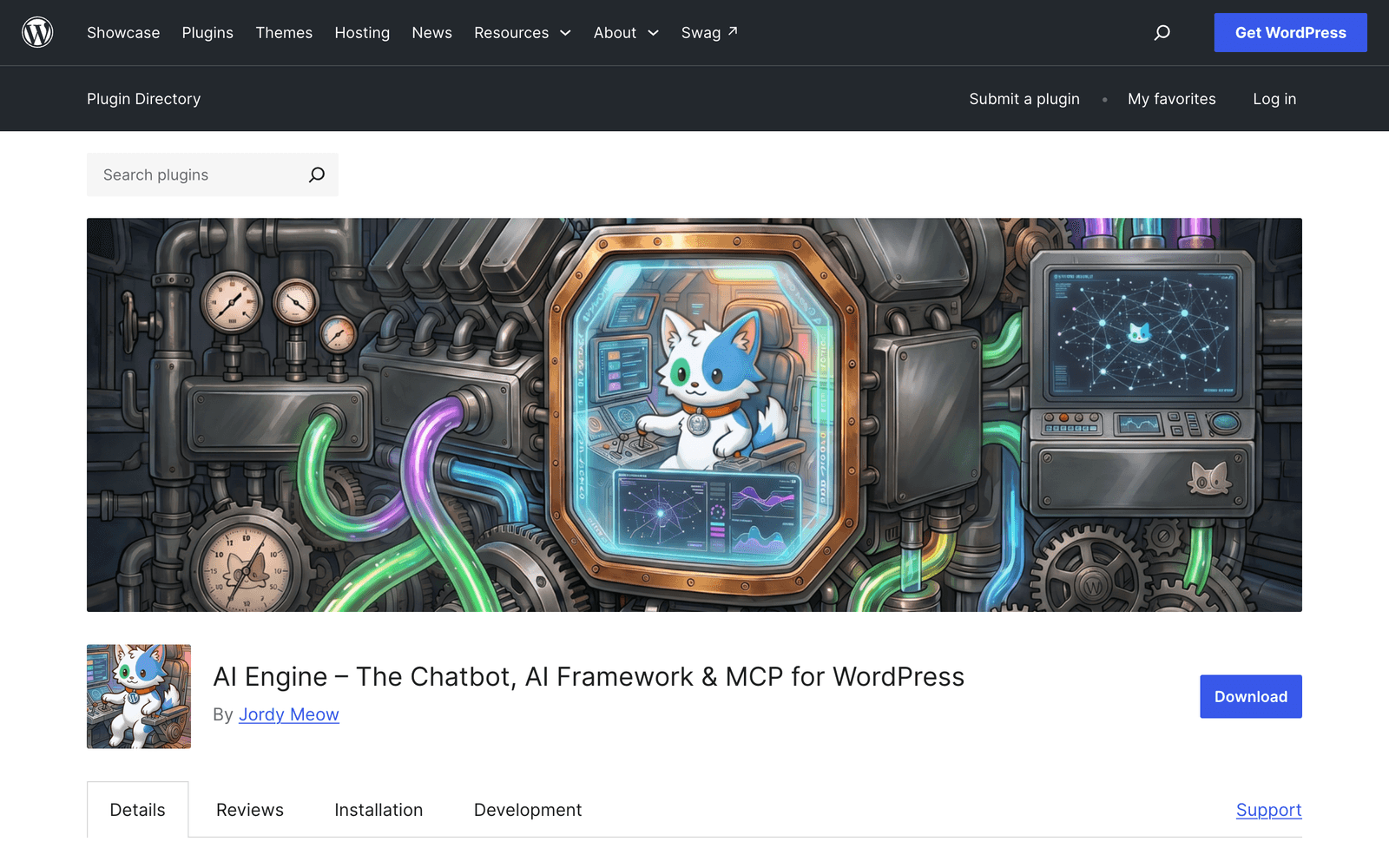
1. AI Engine: best WordPress-native option
The most-installed genuine AI chatbot plugin in the directory, and the best-rated at scale. It runs inside WordPress on an API key you supply, so you pay OpenAI or Anthropic directly instead of paying a per-message markup.
Pros
- 100,000 active installs at 98% across 864 reviews, the strongest evidence base in the category
- Updated 8 September 2026 and tested against WordPress 7.1
- Bring your own model and API key, so message costs are provider cost with no markup
- Builds an embeddings index from your own content for retrieval-based answers
Cons
- You manage the AI key, the billing, and the model choice yourself
- Retrieval setup takes more configuration than a hosted platform
- No managed escalation queue for human agents
Best forDevelopers and technical site owners who want AI inside WordPress, control over the model, and provider-cost billing.
2. Tidio: best live chat and AI hybrid
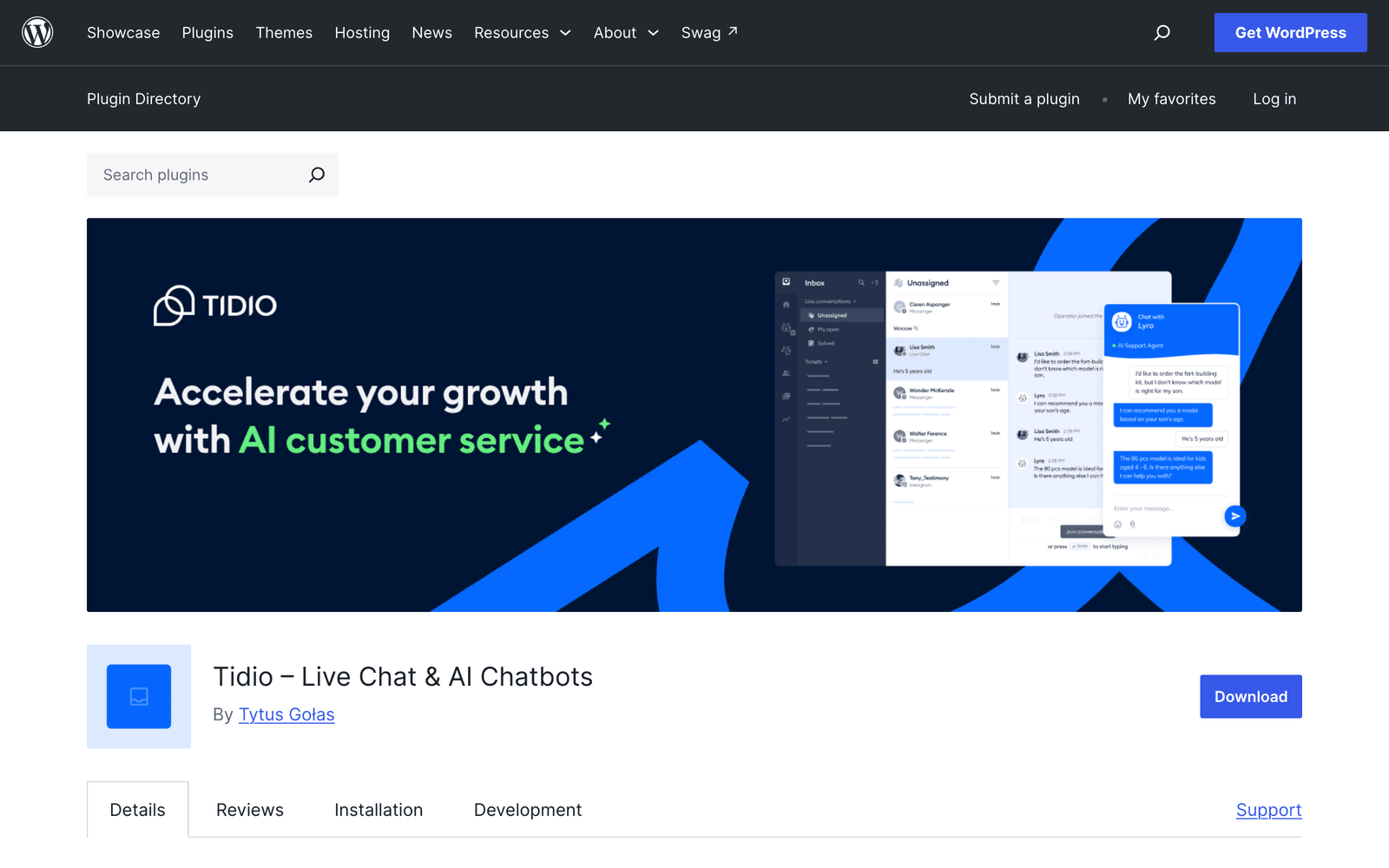
70,000 installs and a 94% rating across 396 reviews, updated 1 September 2026. Tidio pairs its Lyro AI bot with a full live chat inbox, so human agents and the bot share one queue.
Pros
- Mature product with the deepest review base of any hybrid here
- Live chat, ticketing, and AI in a single inbox
- Free tier available, then paid plans by conversation volume
Cons
- AI conversations are metered separately from live chat and get expensive at volume
- Training is shallower than a dedicated content-trained platform
Best forTeams with human agents who want a bot to absorb the repetitive half of the queue.
Tidio's Lyro also syncs Shopify and WooCommerce product catalogues. If the site is a WooCommerce store, ecommerce chatbot examples shows which store questions to automate first. A closer look at the tradeoffs is in SiteGPT vs Tidio.
3. SiteGPT: best for a bot trained on content outside WordPress
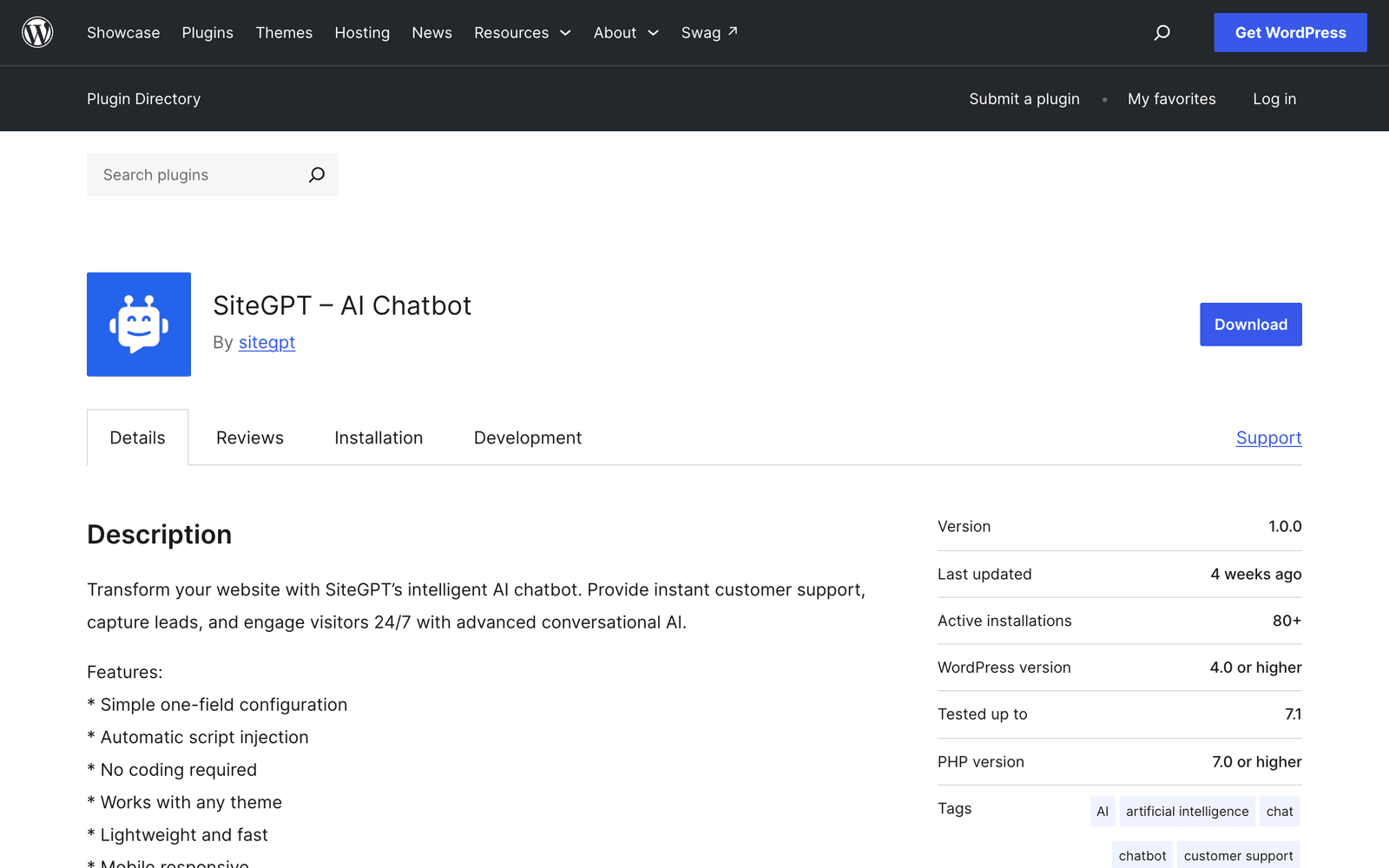
SiteGPT hosts the chatbot and connects to WordPress through a small plugin or a script tag. Source breadth is the reason to choose it over a native plugin.
It trains on 12+ source types. Those cover your website and sitemaps, PDFs and Office files, Google Drive, Notion, Dropbox, OneDrive, SharePoint, Box, GitHub, and YouTube. Help centers are included too, including Zendesk, Freshdesk, Intercom, Confluence, and Gitbook.
That matters when the answers your visitors need are not in your WordPress posts. Auto-sync keeps trained content current on its own, monthly on Growth and weekly with a daily scan on Scale.
Escalation to a human is available on every tier when the visitor asks for a person, with email and dashboard notifications. Handoff into chat tools needs a paid tier above Starter: Slack, Crisp, Messenger, Google Chat, Freshchat, and Zoho SalesIQ start on Growth, and Zendesk needs Scale plus Zendesk Suite Professional or above.
Answers come from retrieval-augmented generation. Grounding answers in your sources reduces the risk of a bot inventing answers it has no source for.
Pros
- 12+ content sources, the broadest ingestion in this list
- Auto-sync and auto-scan keep answers current without manual refreshes
- Human escalation on all tiers. Slack and Crisp handoff from Growth, Zendesk from Scale
- 95+ languages, full branding control, and SOC 2 Type II
- Plugin tested against WordPress 7.1 and updated August 2026
Cons
- The WordPress plugin is new: 80 active installs and no ratings yet
- No permanently free tier, only a 7-day trial that asks for a card
- A HIPAA BAA is available on Enterprise only, never on Starter, Growth, or Scale
Best forSites whose real knowledge lives in PDFs, a help center, or cloud storage rather than in WordPress posts, and teams that need a clean handoff to a person.
Pricing is $59 a month billed monthly, or $39 a month billed yearly at $468 a year, on Starter. Growth is $129 monthly or $79 a month billed yearly. SiteGPT is rated 4.8 out of 5 on G2.
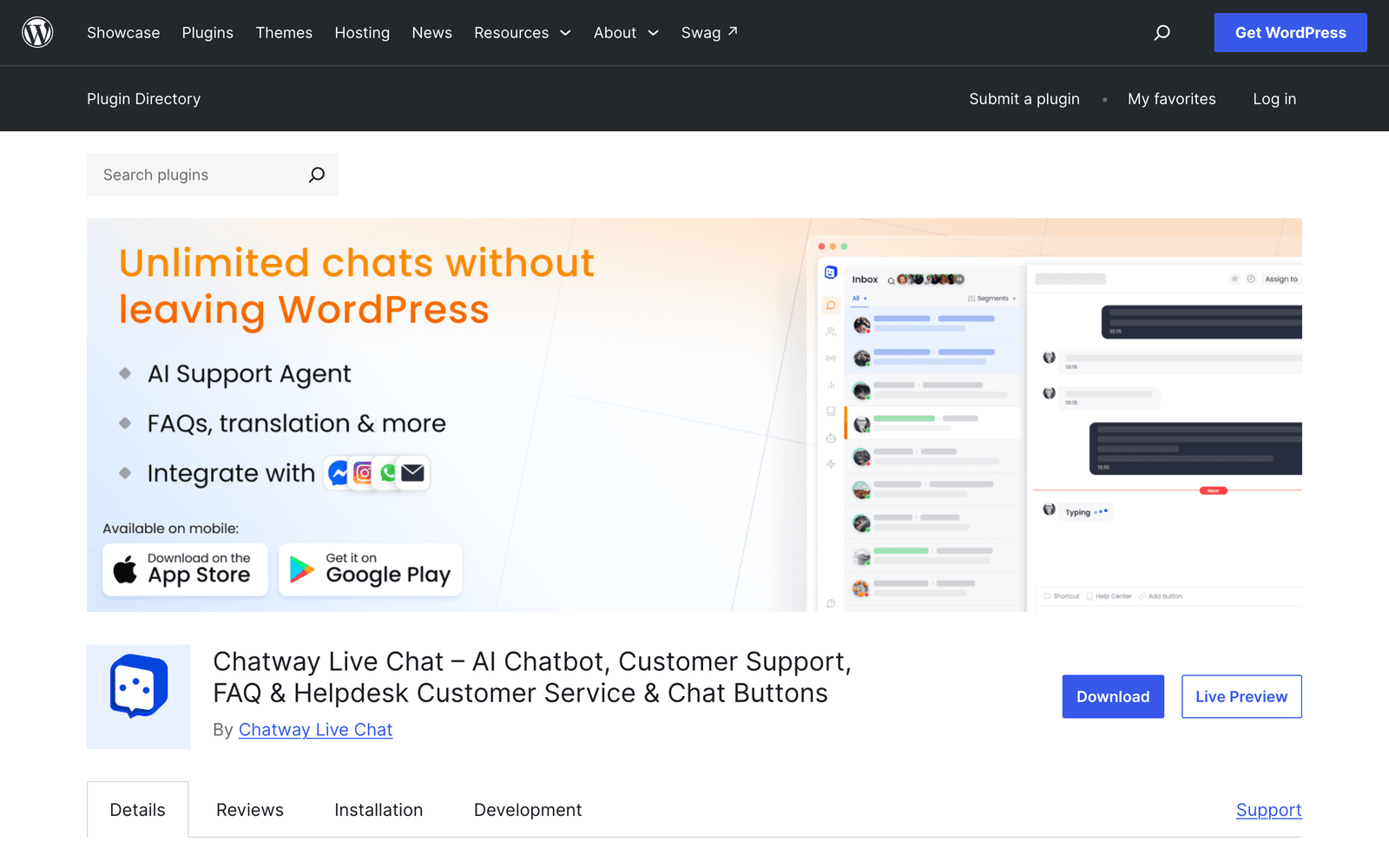
4. Chatway: highest satisfaction at scale
A 100% rating across 755 reviews at 30,000 installs is the strongest satisfaction signal in this list, and almost nobody names it in a roundup. Updated 1 September 2026 and tested against WordPress 7.1.
Pros
- 100% rating across 755 reviews, an unusually large sample at that score
- Light, quick to configure, generous free tier
Cons
- Positioned around live chat first, with AI as an add-on
- Less depth on training sources than dedicated AI platforms
Best forSmall teams that want live chat with an AI assist and no configuration overhead.
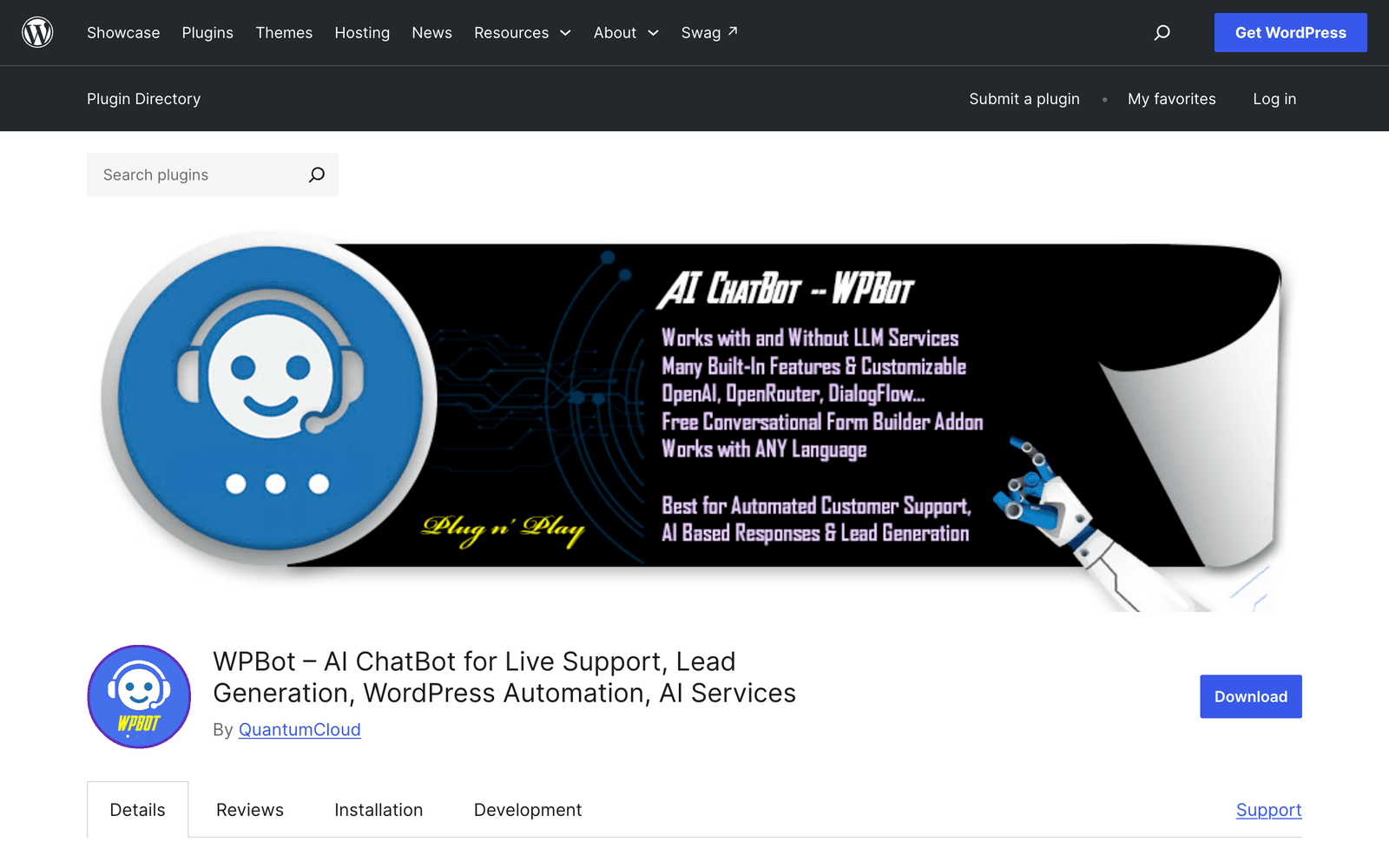
5. WPBot: best free native option
Updated 11 September 2026, the day before this page was published, with a 94% rating across 123 reviews. It runs natively in WordPress and connects to OpenAI on its paid tiers.
Pros
- Free tier that handles FAQ and lead capture
- Most actively maintained free native plugin in the directory
- Runs inside WordPress with no external platform account
Cons
- The free tier is rule-based rather than AI
- AI features, voice, and integrations sit behind the pro licence
Best forBudget-conscious sites that want a working FAQ bot at no cost and can upgrade later.
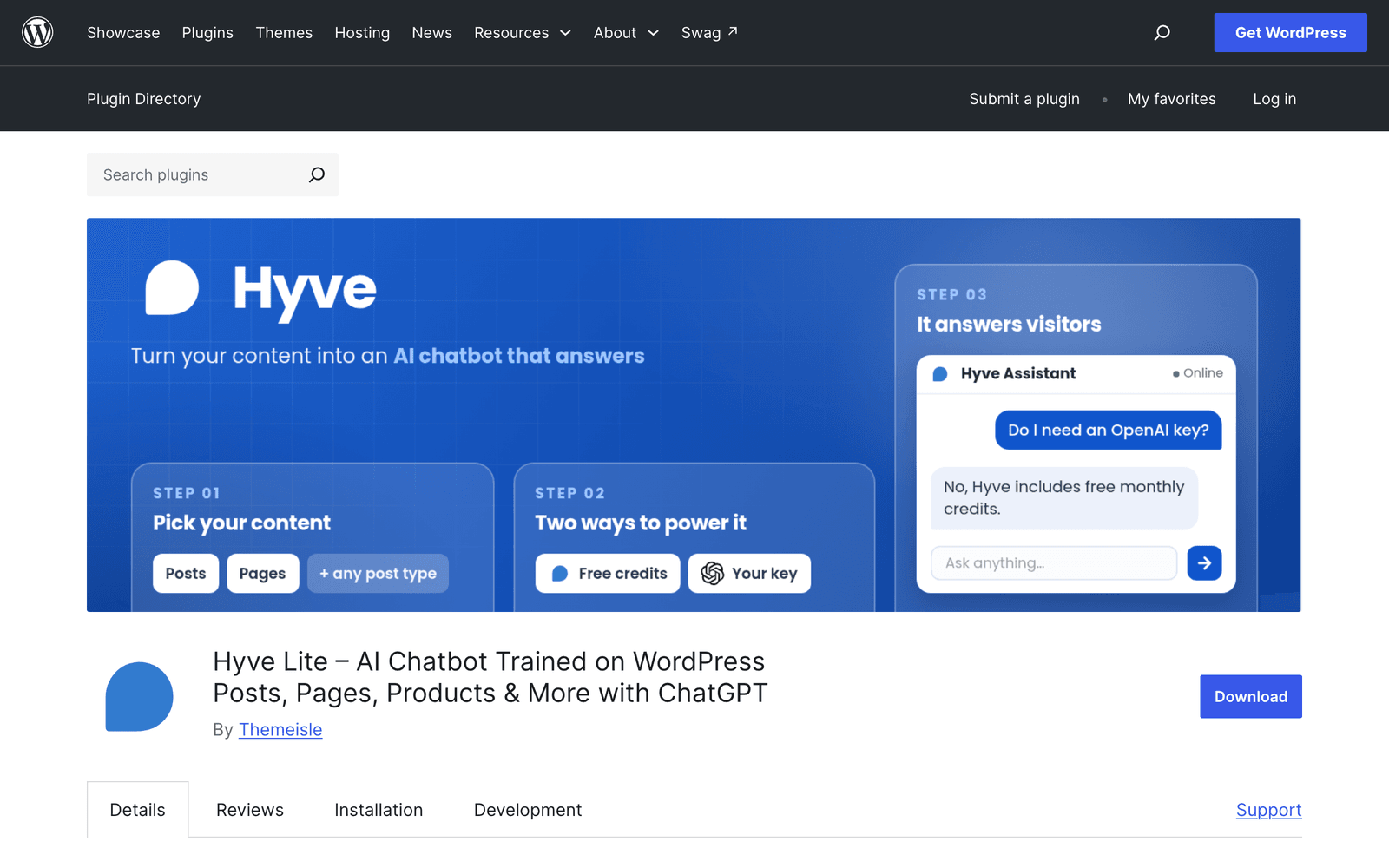
6. Hyve Lite: AI trained on your WordPress posts
The closest native equivalent to a content-trained bot. It indexes your published posts and answers from them, at 6,000 installs and an 86% rating across only six reviews.
Pros
- Trains on your own WordPress content with no external platform
- Tested against WordPress 7.1 and updated 1 September 2026
- Free tier for a capped number of posts
Cons
- Only six ratings, so the score carries little weight yet
- Limited to WordPress post content, so PDFs and help centers are out of reach
Best forContent sites whose answers all live in published posts.
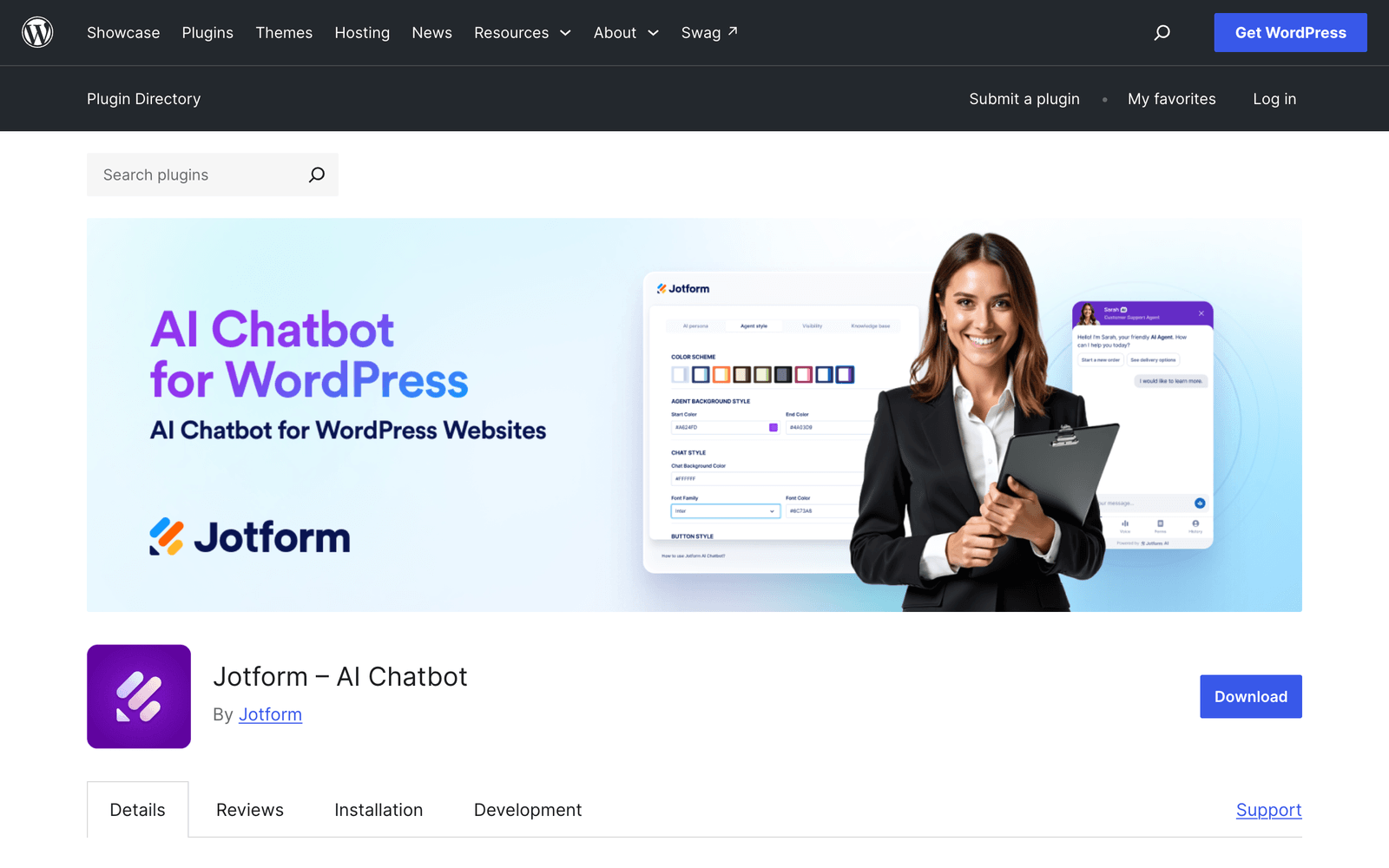
7. Jotform AI Chatbot: best when the job is a form
Jotform's own plugin, 5,000 installs and tested against WordPress 7.1. It suits conversational data collection rather than open-ended question answering.
Pros
- Strong conversational form and lead capture flows
- Connects to the wider Jotform product if you already use it
- Current plugin, updated 13 August 2026
Cons
- Only one rating so far, so satisfaction is unproven
- Built around forms, so it answers documentation questions poorly
Best forSites replacing a static contact or intake form with a conversational one.
8. Collect.chat: conversational forms and booking
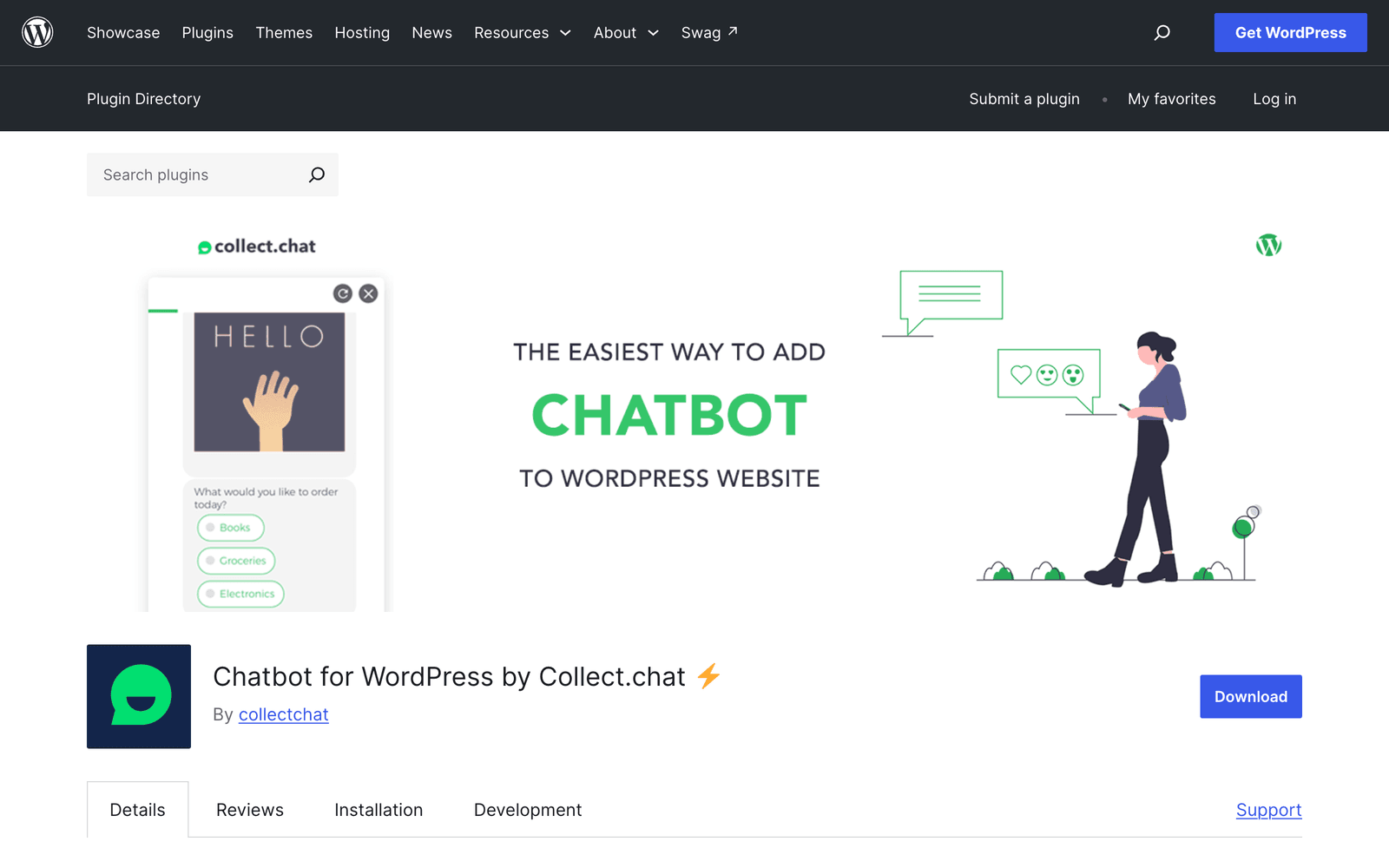
6,000 installs at 88% across 38 reviews. Rule-based flows, calendar booking, and lead capture, with no training on your content.
Pros
- Quick to build scripted flows with no writing of prompts
- Calendar booking built in
Cons
- Tested only to WordPress 7.0.4, one version behind
- Scripted rather than AI, so anything off-script goes unanswered
Best forAppointment booking and structured lead qualification where the questions are known in advance.
9. Crisp: good product, stale plugin
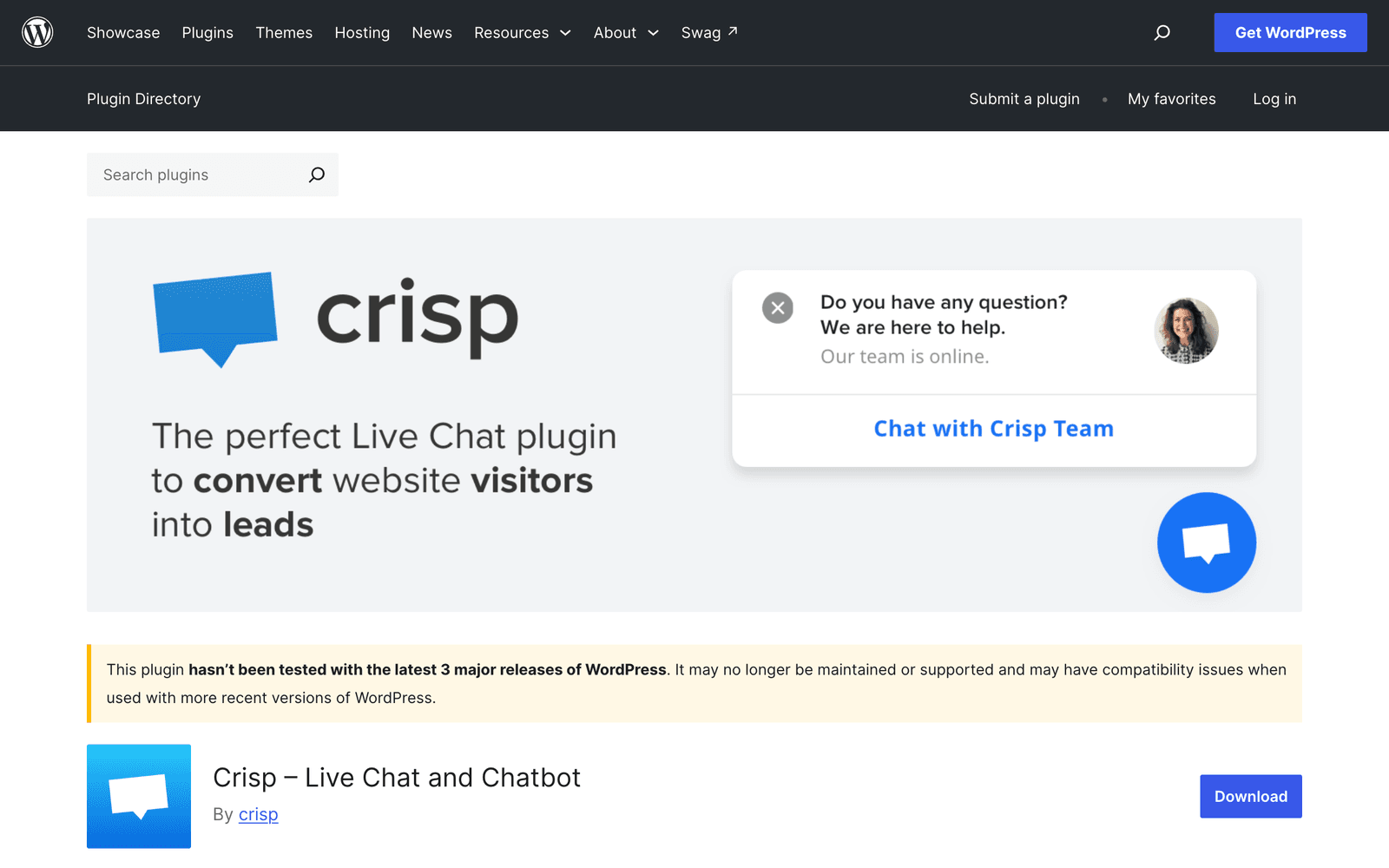
20,000 installs and a 92% rating, but the WordPress plugin has not been updated since 14 April 2025 and is tested only to WordPress 6.8.8. The platform itself is actively developed, and only the plugin is stale.
Pros
- Strong shared-inbox product with a well-regarded free tier
- Works as a SiteGPT escalation target on SiteGPT Growth and above
Cons
- Plugin untouched for 17 months and untested against WordPress 7.x
- Installing the script manually is safer than trusting the stale plugin
Best forTeams already on Crisp. Add the widget by script tag rather than through the plugin.
10. Chatbase: the most recommended, the least maintained
Chatbase appears in nearly every AI-generated answer about WordPress chatbots. Its WordPress plugin was last updated on 3 March 2025, is tested to WordPress 6.7.7, and holds a 68% rating across 13 reviews, the lowest of any established plugin here. The directory's own warning banner on that listing is shown earlier in this page.
Pros
- The hosted platform is capable and widely used outside WordPress
- Fast to stand up a document-trained bot
Cons
- Plugin 18 months stale and untested against WordPress 7.x
- 68% rating, the weakest of any major plugin in this list
- Message overage pricing climbs quickly at volume
Best forNon-WordPress sites. On WordPress, add it by script tag and skip the plugin.
The full platform comparison is in SiteGPT vs Chatbase. Other options are covered in Chatbase alternatives.
11. Botsonic: effectively abandoned on WordPress
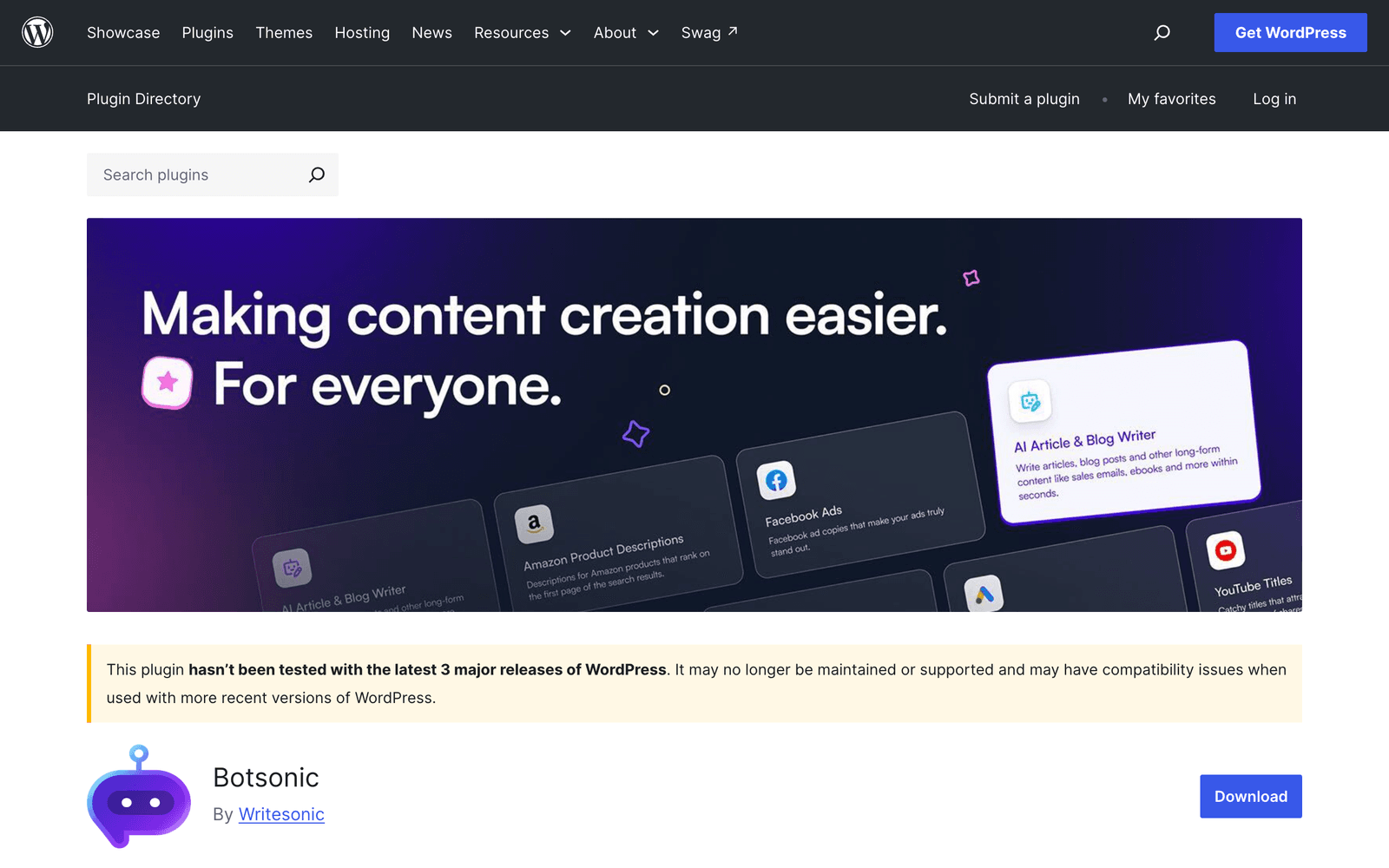
100 active installs, no ratings, and no update since 29 October 2023. It is tested against WordPress 6.3.10, eight major releases behind 7.1 (6.4 through 7.1).
Pros
- The hosted platform is still actively developed
Cons
- Plugin abandoned for nearly three years
- Not tested against any WordPress 7.x release
- 100 installs, so almost no field evidence either way
Best forNothing on WordPress through the plugin. Use the script tag if you are already a Botsonic customer.
Which WordPress chatbot should you pick?
Pick by where your content lives and whether people need to take over.
| Scenario | Best pick | Why |
|---|---|---|
| You want AI inside WordPress on your own API key | AI Engine | Best maintained and best rated native option, and you pay provider cost with no per-message markup. |
| Your answers live in PDFs, Drive, Notion, or a help center | SiteGPT | 12+ sources with auto-sync, which no WordPress-native plugin matches. |
| You have human agents and want one shared queue | Tidio or Chatway | Live chat and bot in a single inbox, with the deepest review bases here. |
| You need something working at no cost today | WPBot | Real free tier and the most actively maintained free native plugin. |
| All your content is already WordPress posts | Hyve Lite | Trains on your posts natively with nothing external to manage. |
| You are replacing a contact or intake form | Jotform AI Chatbot or Collect.chat | Conversational forms beat a general bot when the questions are known. |
| You need a HIPAA BAA | SiteGPT Enterprise | Available on Enterprise only, and a covered workspace turns connected apps and chat integrations off. |
Does everything the bot needs to answer already live in your WordPress posts?
- If Yes, and you want to run your own AI key→AI Engine
- If Yes, and you want the simplest setup→Hyve Lite
- If No, it is spread across files, drives, or a help center→SiteGPT
Do human agents need to take over conversations?
- If Often, as a daily part of the workflow→Tidio or Chatway
- If Occasionally, when the bot cannot answer→SiteGPT, where escalation is on every tier
- If Never→AI Engine or WPBot
Is the plugin you are considering tested against WordPress 7.x?
- If Yes→Install it normally
- If No, and the vendor is still active→Add the widget by script tag instead of using the plugin
- If No, and the vendor has gone quiet→Pick something else
How do you add the chatbot to your site?
Through the plugin or a script tag. Both routes are short.
The plugin route is to open Plugins then Add New in your WordPress admin, search the plugin name, install and activate it, then paste an ID or API key into its settings page. The settings usually sit under Settings or as their own admin menu entry.
The script route is to copy the embed snippet from your provider and add it to your site footer. Use a code-snippets plugin or your theme's custom-code field rather than editing theme files, because a theme update will overwrite direct edits.
Prefer the plugin route when the plugin is current. Prefer the script route when the plugin is stale, which for this list means Crisp, Chatbase, and Botsonic. A script tag you control cannot break on a WordPress upgrade the way an untested plugin can.
The full walkthrough of both routes, with the training step, the verification checks, and the fixes for a widget that will not appear, is in how to add a chatbot to WordPress.
Setting up the chatbot behind the plugin is the longer half of the job. The general walkthrough, from training sources to branding to embedding, is in how to create an AI chatbot. For SiteGPT's own setup, SiteGPT for WordPress covers the plugin's requirements, the script options, and the sources it trains on.
FAQ
What is the best AI chatbot plugin for WordPress?
On the data WordPress.org publishes, AI Engine is the best-maintained option: 100,000 active installs, a 98% rating across 864 reviews, and testing against WordPress 7.1.
The best plugin for you depends on the job. Pick AI Engine to run your own model key inside WordPress. Pick Tidio or Chatway for a live chat and bot hybrid. Pick WPBot for a free native option. Pick SiteGPT when your content lives outside WordPress and the bot needs to hand off to a person.
Which chatbot builders are best for WordPress?
Two groups work on WordPress. WordPress-native builders such as AI Engine, WPBot, and Hyve Lite run inside your site and are configured from the admin dashboard. External builders such as SiteGPT, Tidio, Chatway, Chatbase, and Botsonic host the bot on their own platform and connect through a small plugin or a script tag.
Native builders keep everything on your server. External builders train on sources beyond WordPress and work across several sites at once.
Are the most recommended WordPress chatbots the best maintained?
No, and the gap is large. Chatbase, the name AI assistants recommend most often for WordPress, has a plugin last updated in March 2025 that is not tested against WordPress 7.x and holds a 68% rating. Botsonic's plugin has not been updated since October 2023.
Those same assistants rarely mention AI Engine, which has 100,000 installs and a 98% rating. Check the last-updated date on WordPress.org before installing anything.
Will a chatbot plugin slow down my WordPress site?
A plugin that injects a third-party script loads that script asynchronously, so it does not block your page render, though it does add a network request and some JavaScript weight. Native plugins that run AI calls on your server add load to PHP instead.
The larger practical risk is an unmaintained plugin. One that has not been tested against your WordPress version can break on upgrade or leave a security hole open.
How do I add a chatbot to my WordPress website?
Two methods cover almost every plugin. The plugin method is to search the plugin name under Plugins then Add New in your WordPress admin, install and activate it, then paste an ID or API key into its settings page.
The manual method is to copy the embed script from your chatbot provider and add it to your theme footer, usually through a code-snippets plugin rather than by editing theme files directly. The plugin method survives theme changes, so prefer it when the plugin is current.
Can a WordPress chatbot be trained on my own content?
Yes, and this is the main split in the category. Hyve Lite trains on your WordPress posts. SiteGPT trains on 12+ source types including your website, sitemaps, PDFs, Google Drive, Notion, GitHub, YouTube, and help centers, then keeps them current with auto-sync. AI Engine lets you build an embeddings index from your own content using your own API key.
Rule-based tools such as Collect.chat and Jotform follow scripted flows instead and do not train on your content at all.
How to use the Jotform AI chatbot on WordPress?
Jotform publishes its own plugin, listed on WordPress.org as Jotform AI Chatbot, with 5,000 active installs and testing against WordPress 7.1. Install it from Plugins then Add New, build the chatbot in your Jotform account, then select it in the plugin settings to place it on your site.
It suits lead capture and conversational forms. For open-ended questions about your documentation or product, a content-trained bot answers better.
Is there a free chatbot plugin for WordPress?
Yes. WPBot has a free tier and is the most actively maintained free native option, updated on 11 September 2026 with a 94% rating. AI Engine is free to install, though you supply and pay for your own AI provider key. Hyve Lite is free for a capped number of posts.
Most hosted platforms, SiteGPT included, run on a paid plan after a trial.
How was this ranking put together?
Every install count, rating, review count, WordPress version tested, and last-update date on this page comes from the official WordPress.org plugin information API, queried on 12 September 2026. Those figures are public and you can re-check any of them.
The data is used as a screen, not as the sort key. Plugins tested against WordPress 7.1 and updated within 30 days of the query rank above stale ones. Within each group the order is by fit for answering visitor questions and handing off to a person, with installs and ratings breaking ties. Install count alone is not the sort key, because the largest plugin in the category holds a 32% rating.
On review evidence alone, SiteGPT (published by the same company as this page) would rank near the bottom. It sits at #3, behind two plugins with far larger evidence bases.
Sources
- WordPress.org API documentation, the plugin information endpoints (
plugins/info/1.2) queried for installs, ratings, tested-up-to versions, and last-update dates on 12 September 2026 - WordPress.org plugin directory, the public listing pages linked in the data table, including the warning banner on the Chatbase listing
- AI Agent by SiteGround on WordPress.org, 1,000,000 active installs and a 32% rating
- SiteGPT AI Chatbot on WordPress.org, 80 active installs, first published 27 July 2025
- SiteGPT pricing, plan prices, source types, and handoff plan gating