


To create a WhatsApp chatbot, train a chatbot on your own content, choose the number it answers on, and connect that number through Meta's signup screens. On a no-code platform the connection needs a Facebook login or a QR code scan and no programming.
Training comes first and takes the longest. It decides whether the answers are any good.
iShort answer
Train the chatbot before you connect anything, because an untrained bot on a live number answers nothing. Keep your existing WhatsApp Business app number if customers already know it. Test from a second phone, and test the handoff to a person before you tell anyone the number.
You cannot put ChatGPT itself on WhatsApp as a general assistant since January 2026. A chatbot that answers your customers from your content is still allowed.
Step 1 decides the answer quality. Step 5 decides what happens when the chatbot cannot answer.
Train it on your content
Point the platform at your site, then add the PDFs and help articles your pages do not cover.
Choose the number
Keep your Business app number, connect a dedicated one, or take a new number from the platform.
Connect through Meta
A Facebook login or a QR code scan from the WhatsApp Business app. No API code.
Test from a second phone
Ask a question you know the answer to, then find the conversation in chat history.
Set up leads and handoff
Turn on the lead form and human support, then confirm an escalated chat reaches your team.
What are the ways to build a WhatsApp chatbot?
There are three, and they suit different businesses.
| Scenario | Best pick | Why |
|---|---|---|
| You only need a greeting and an out-of-hours reply | The free WhatsApp Business app | It sends a greeting message and an away message automatically. It does not read questions or answer them. |
| You want the bot to answer real questions from your content | A no-code AI chatbot platform | It trains on your website and files, connects to WhatsApp through Meta's signup screens, and needs no programming. |
| You have developers and want full control | Code against the Cloud API | You host a webhook, call an AI model, and send replies yourself. You also own the upkeep. |
The first route is covered in WhatsApp auto reply, including where the app's automation stops. The rest of this guide follows the second route, because it is the one that produces a chatbot most businesses can run without an engineer.
A no-code platform sits between you and the WhatsApp Business Platform. That is Meta's name for the API businesses use to send and receive WhatsApp messages at scale. Most people still call it the WhatsApp Business API.
Can you put ChatGPT on WhatsApp?
Not as a general assistant. Since 15 January 2026, Meta's terms for the WhatsApp Business Platform bar AI providers from the platform when an AI assistant is "the primary (rather than incidental or ancillary) functionality" on offer. OpenAI announced in October 2025 that ChatGPT would leave WhatsApp after that date.
The same clause leaves the business use open. A company may still use an AI provider to serve its own customers, and Meta's pricing documentation describes ordinary replies that "can be powered by a 3rd-party AI solution or people".
Regulators in the EU, Italy, and Brazil have challenged the rule, and the position there has changed more than once during 2026. In the US and UK the clause applies as written.
Step 1: Train the chatbot on your content
Create the chatbot and train it before you touch WhatsApp. A bot connected first and trained later spends its first days telling real customers it cannot help.
Give the platform your site URL or sitemap and it crawls your published pages. Then add what the crawl misses. Price lists in PDFs, a returns policy in Google Drive, and help center articles are where most WhatsApp questions get answered.
On SiteGPT the chatbot trains on 12+ source types. These include websites and sitemaps, file uploads, Google Drive, Notion, Dropbox, OneDrive, SharePoint, Box, GitHub, YouTube, and help centers such as Zendesk and Freshdesk. The platform side of this step is walked through in how to create an AI chatbot.
Test in the dashboard until the answers are right. Ask the ten questions your team answers most on WhatsApp today. If the chatbot gets one wrong, the fix is almost always a missing or outdated source, and grounding the bot in your content is what stops it inventing an answer.
Step 2: Choose which number the chatbot answers on
You have three choices. The right one depends on whether customers already message you on a number they know.
| Option | What happens | Best when |
|---|---|---|
| Keep your WhatsApp Business app number | The chatbot answers on your existing number and your team keeps using the app | Customers already message a number they know |
| Connect a dedicated number | A spare number that is not on WhatsApp yet becomes the chatbot's number | You want a separate line and have a number to spare |
| Take a new number from the platform | The platform supplies a number that only the chatbot answers | You have no WhatsApp number yet |
Keeping your app number relies on a Meta feature called coexistence. Meta's onboarding documentation says it lets a business join the platform "using their existing WhatsApp Business app account and phone number". Messages you send from the app stay free.
Coexistence has limits set by Meta. Group chats do not sync, broadcast lists become read-only, and about 14 days without opening the app on the main phone can disconnect the number. Not every platform supports it. Tidio's and Chatbase's documentation both say the number must be removed from the app first.
Step 3: Connect the number through Meta
Every platform starts the connection from its own integration page and then hands you to Meta. The steps below are from the SiteGPT WhatsApp documentation.
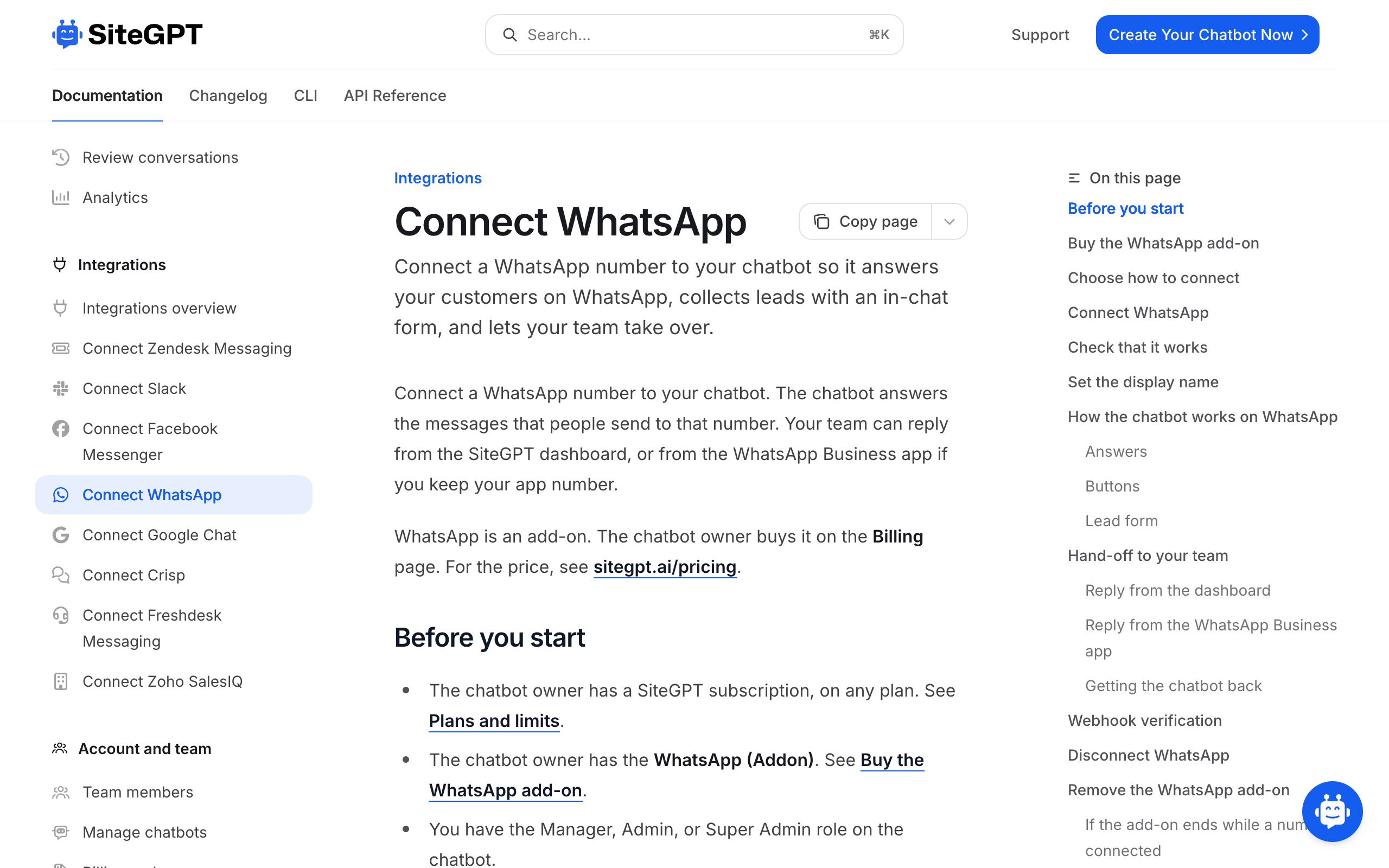
- Add the WhatsApp add-on. The chatbot owner opens Advanced, then Integrations, then All Integrations, and clicks Get Started on the WhatsApp card. One add-on covers every chatbot the owner has.
- Pick an option. The Connect WhatsApp dialog shows the three number options. Select one and click Continue.
- Finish the setup with Meta. For a free or dedicated number, sign in with Facebook. For your app number, scan the QR code from the WhatsApp Business app.
- Check the connection. Back in SiteGPT, the dialog shows "Connected to WhatsApp number" and your number.
With a free number, pick a number marked Verified from the list on Meta's phone number screen. Do not type in a new one.
For a free or dedicated number, set the business name customers see under WhatsApp display name. Meta reviews each change, usually within 24 to 48 hours.
Step 4: Test it from a second phone
Use a phone that is not the business phone. Send a plain text message to the number.
Run four checks.
- The chatbot replies with an answer from your content. Ask something specific from a page you trained it on, not "hello".
- The conversation appears in Chat History in the dashboard.
- Buttons appear under the answer. On SiteGPT up to 3 short suggestions show as reply buttons, and more show as a list of up to 10.
- The number status is healthy. The SiteGPT WhatsApp dialog shows Number healthy when the number can send messages.
A new number can show "Setup is completing on Meta's side" for a while. That needs no action.
Step 5: Set up the lead form and the handoff
A chatbot that cannot pass a conversation to a person leaves the hardest questions unanswered. Set this up before launch.
Lead form. With lead collection on, SiteGPT sends a WhatsApp form with the same fields as your website lead form. WhatsApp shows in-chat forms only for verified Meta businesses, and Meta's Flows documentation lists "Verify your business" as a requirement. Until then the AI asks for the details in a plain message.
Handoff. Turn on human support in the dashboard. A conversation then goes to your team when the person taps an Escalate button, when the chatbot decides the person needs a human, or when a team member takes over.
Replying. Your team replies from Chat History and the reply arrives on WhatsApp. If you kept your app number, a reply from the WhatsApp Business app pauses the AI for that conversation.
Now test it. Ask for a person from the second phone, confirm the notification reaches your team, and reply. How other platforms route an escalated chat is compared in best AI chatbots with human handoff.
What goes wrong with a WhatsApp chatbot?
Five problems account for most of it.
| Scenario | Best pick | Why |
|---|---|---|
| The chatbot does not reply at all | Check the number status | A failed health check or an add-on that has ended stops replies. The SiteGPT dialog lists the failed checks. |
| A team reply never reached the customer | Check the time of their last message | More than 24 hours have passed, so WhatsApp did not deliver it. The reply stays in the transcript. |
| The lead form does not appear | Verify the business with Meta | In-chat forms need Meta business verification, done in Security Center in Meta Business Suite. |
| The number is already connected elsewhere | Disconnect it there first | Each WhatsApp number connects to one chatbot, and each chatbot to one number. |
| Customers send voice notes and get no answer | Tell them to type | SiteGPT reads text only. It replies asking the person to type the question. |
One mistake is permanent. Disconnecting a free number on SiteGPT releases it for good, and a new connection gets a different number. Disconnecting an app number leaves the app working as before.
If you are still choosing a platform, the options are ranked by price, message fees, and handoff in best WhatsApp AI chatbots. What SiteGPT's chatbot does on the channel is on one page at WhatsApp AI chatbot.
Frequently asked questions
How do I create a WhatsApp chatbot?
Train a chatbot on your content, choose a number, connect it through Meta, test it from a second phone, and set up handoff to your team.
On a no-code platform the connection takes a Facebook login or a QR code scan. The training step takes longest and decides whether the answers are any good.
Can I create a WhatsApp chatbot for free?
The free WhatsApp Business app sends a greeting message and an away message automatically, and stores up to 50 quick replies. It does not read a question and answer it.
A chatbot that answers from your content runs through a paid tool. Tidio connects WhatsApp on its free plan with 50 lifetime AI conversations. SiteGPT has a 7-day trial that asks for a card, and its WhatsApp add-on is not billed during the trial.
Can I use ChatGPT on WhatsApp for my business?
Not as a general assistant. Meta's terms bar AI providers whose assistant is the primary thing on offer, and OpenAI withdrew ChatGPT from WhatsApp after 15 January 2026.
A business can still use an AI provider to answer its own customers. A chatbot built on a GPT model and trained on your content is that permitted use.
Do I need the WhatsApp Business API to build a chatbot?
Yes, for a chatbot that writes its own answers. The WhatsApp Business app has no way to plug in a chatbot.
A no-code platform connects you to the API through Meta's signup screens, so you never write API code. What Meta charges for messages on it is laid out in WhatsApp Business API pricing.
Can I keep my existing WhatsApp Business number?
Yes, on platforms that support coexistence. You scan a QR code from the WhatsApp Business app and the chatbot answers on the same number while your team keeps using the app.
SiteGPT, respond.io, Wati, and Trengo support it. Tidio and Chatbase require the number to be removed from the app first.
Do I need to verify my business with Meta?
Not to start. An unverified business can connect a number and answer customers.
Verification unlocks WhatsApp Flows, which in-chat lead forms use, and it raises messaging and template limits. It is done in Security Center in Meta Business Suite.
How much does a WhatsApp chatbot cost?
With SiteGPT the cost is a plan from $59 a month billed monthly, or $39 a month billed yearly, plus the WhatsApp add-on at the same two rates. The add-on covers Meta's conversation fees.
On most other platforms Meta's per-message fees are charged on top of the subscription.
Can a WhatsApp chatbot understand voice notes?
It depends on the platform. SiteGPT reads text only, and a voice note gets a reply asking the person to type the question.
Chatbase documents reading attachments on WhatsApp. Check this before launch if your customers send voice notes often.
Sources
- Connect WhatsApp, SiteGPT documentation. The three number options, setup steps, buttons, lead forms, handoff, and limits.
- Meta Terms for WhatsApp Business Platform, Meta. Clause 4.7 on AI providers.
- ChatGPT and WhatsApp, OpenAI. The announcement that ChatGPT would leave WhatsApp.
- Pricing on the WhatsApp Business Platform, Meta for Developers. The customer service window and message categories.
- Onboarding WhatsApp Business app users, Meta for Developers. Coexistence and its limits.
- WhatsApp Flows, getting started, Meta for Developers. The business verification requirement.
- Integration with WhatsApp, Tidio Help Center. Number requirements and the free plan.
- WhatsApp integration, Chatbase documentation. Number requirements and attachments.