


Algolia is a strong product search engine. Content, docs, and media sites often need something else. Their visitors ask a question and want one answer.
SiteGPT and kapa.ai give that answer in a chat window. AddSearch shows answers next to a results list. Typesense and Meilisearch replace the search engine itself.
Healthcare and EU buyers need two contracts in place first. A BAA (Business Associate Agreement) is the contract HIPAA, the US health privacy law, requires before a vendor handles PHI (protected health information). A DPA (Data Processing Agreement) is the contract GDPR, the EU privacy law, requires between a data controller and a processor.
SiteGPT offers a BAA on the Enterprise plan only and signs its DPA for Enterprise customers. Algolia's compliance article lists GDPR and SOC 2. It does not list HIPAA. Check both contracts before you compare features.
iShort answer
For direct answers on public content, use SiteGPT or kapa.ai. For a results page with answers on top, use AddSearch.
For a new search engine, use Typesense or Meilisearch. For a free option on a static site, use Pagefind.
Stay on Algolia if visitors browse a product catalog with filters and merchandising. If a BAA or DPA is a procurement gate, confirm it before you compare features: SiteGPT's BAA is Enterprise-only, and a covered workspace narrows what connects to it.
Key takeaways
| Tool | Job | Best for | Published entry price |
|---|---|---|---|
| SiteGPT | Answers | Direct answers from public content | $39/mo billed yearly, $59 billed monthly |
| kapa.ai | Answers | Technical documentation | 14-day trial, then by request |
| AddSearch | Both | Results page with answers beside it | $119/mo keyword, $700/mo AI Answers, billed annually |
| DocsBot | Answers | Low entry price with a free plan | Free, then $49/mo billed monthly |
| Meilisearch | Search | Simple engine, hosted or self-hosted | $20/mo Cloud, free self-hosted |
| Typesense | Search | Closest open source replacement | Free self-hosted, Cloud by cluster size |
| Elastic | Search | Teams already on Elasticsearch | Usage-based, from example costs of about $24/mo |
| Pagefind | Search | Static sites | Free |
Answer these before you compare feature lists.
Do visitors ask or browse?
Questions suit an answer tool. Browsing many items suits a results page with filters.
Is a BAA or DPA a gate?
Confirm who signs what and on which plan. SiteGPT's BAA is Enterprise-only.
Who runs it?
Hosted tools need no server. Self-hosted engines need someone to patch and scale them.
Who pays the model bill?
Some tools include AI usage. Others ask you to bring your own LLM key.
How does content stay fresh?
Check crawl schedules by plan, and whether deleted pages leave the index.
8% vs 15%
Google users clicked a traditional result on 8% of visits when an AI summary appeared, and on 15% of visits when none did. The study covers Google search only. It suggests many people stop once they have an answer.
Source: Pew Research Center, 22 July 2025, 900 US adultsWhy do content and docs teams look for Algolia alternatives?
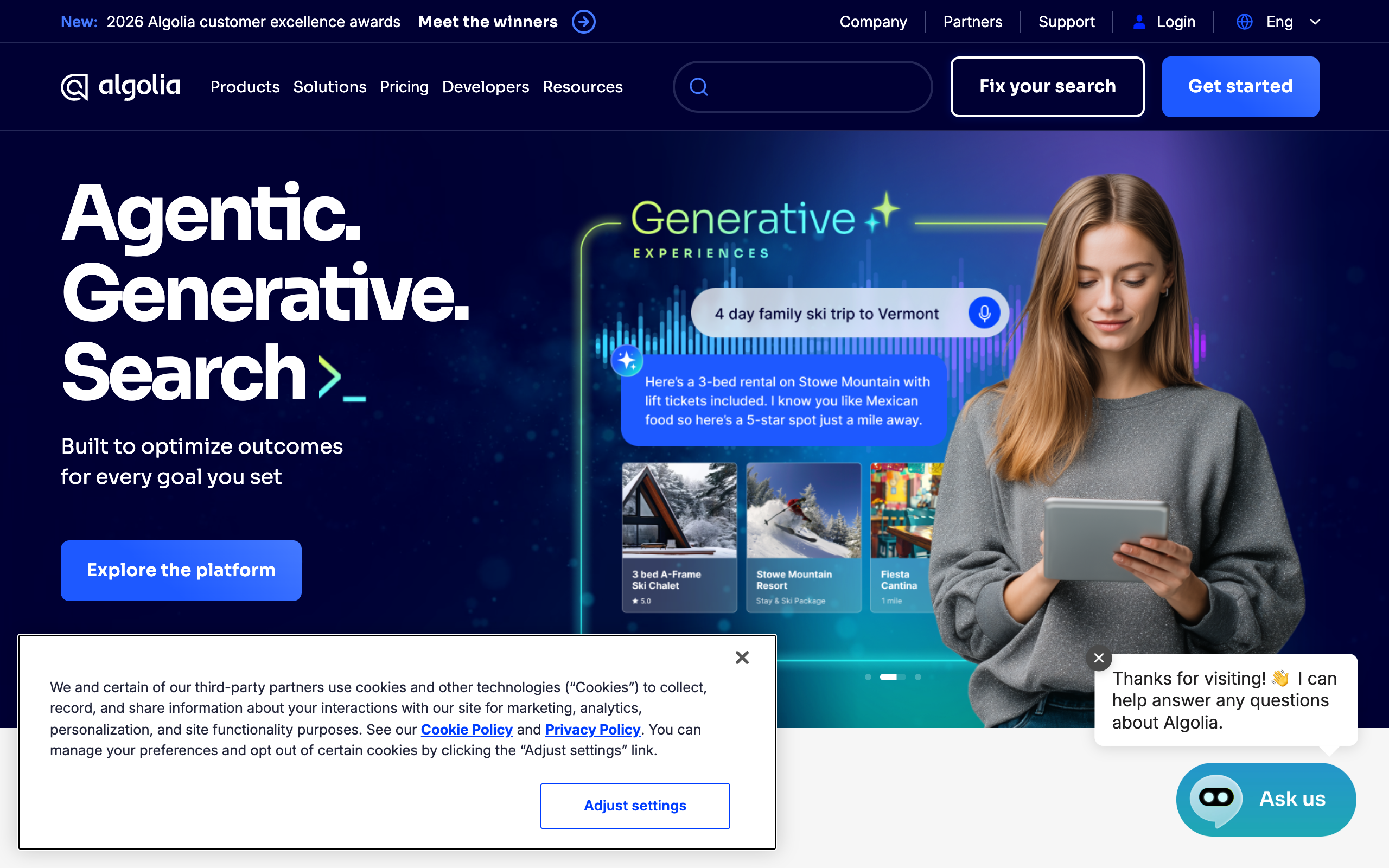
Content and docs teams usually look elsewhere for one of four reasons. Algolia is built for product search, and these teams use it to answer questions.
1. A results list does not answer a question. A visitor who types "can I change my plan mid-cycle" wants one answer. A ranked list makes that visitor read three pages to find it.
2. Every keystroke can count as a request. Algolia's pricing page says autocomplete triggers a new search request on every keystroke. Grow includes 10,000 search requests a month, then charges $0.50 per 1,000. Grow Plus charges $1.75 per 1,000.
100,000 search requests costs $45 a month on Grow, or $157.50 on Grow Plus
That is 90,000 billable requests at each plan's rate, before record and crawl charges. A site that searches as visitors type reaches 100,000 requests faster than one that searches on submit.
3. AI answers add a second bill. Algolia's Ask AI documentation says Ask AI is part of Agent Studio and is not available as a standalone feature for new applications. You supply your own LLM API keys. You pay the model provider and tune the model yourself.
4. Semantic search is on the top plan. Algolia's pricing page lists NeuralSearch under Elevate, which uses custom annual contracts. Most small docs teams do not buy that plan.
When should you stay on Algolia?
Stay on Algolia if visitors browse and compare many items. It holds a G2 rating of 4.5 from 461 reviews.
- Product search. A catalog needs filters, facets, sort orders, and merchandising rules. Answer tools have none of them.
- Open source documentation. DocSearch is free for open source and technical docs, with a scheduled crawler and adapters for Docusaurus and VitePress.
- As-you-type speed. A generated answer takes longer than an index lookup. If you want instant results while visitors type, keep a search engine.
If only some visitors ask questions, you can keep Algolia. Adding AI answers to your existing search box keeps Algolia in place and sends questions to chat. Which traffic belongs where is covered in conversational search vs site search.
What should you look for in an Algolia alternative?
Use these six criteria to compare the tools. Start with the first two, because they rule out most of the list.
1. The output visitors receive
Decide whether visitors should get an answer, a list, or both. Answer tools generate a reply from your content. Search engines return ranked documents. A few tools, such as AddSearch, do both on one page.
2. Compliance fit
Check which plan carries each document. A DPA or BAA that exists on an enterprise contract does not help a team on a self-serve plan. Also ask what the compliant configuration turns off.
3. Who operates it
A hosted answer tool needs an embed snippet. A self-hosted engine needs a server, backups, upgrades, and a person on call. A free license does not make the server free to run.
4. Content coverage and freshness
Ask which sources it reads and how often it re-reads them. Then ask what happens to a deleted page. An out-of-date index gives wrong answers, as the guide on what content ingestion is explains.
5. How it handles exact terms
Semantic retrieval matches meaning. SiteGPT's how answers work page says exact codes or rare names can rank lower than passages with similar meaning. If visitors search part numbers or error codes, a keyword engine still has a role.
6. Predictable cost
Each tool bills in a different unit. Algolia bills requests and records. SiteGPT bills messages, DocsBot bills AI credits, and Typesense bills cluster capacity. Convert your own monthly traffic into each unit before you compare prices.
What are the best Algolia alternatives?
The list assumes a public content, docs, or media site where visitors ask questions. Answer tools come first, then search engines.
1. SiteGPT: best for direct answers from public content
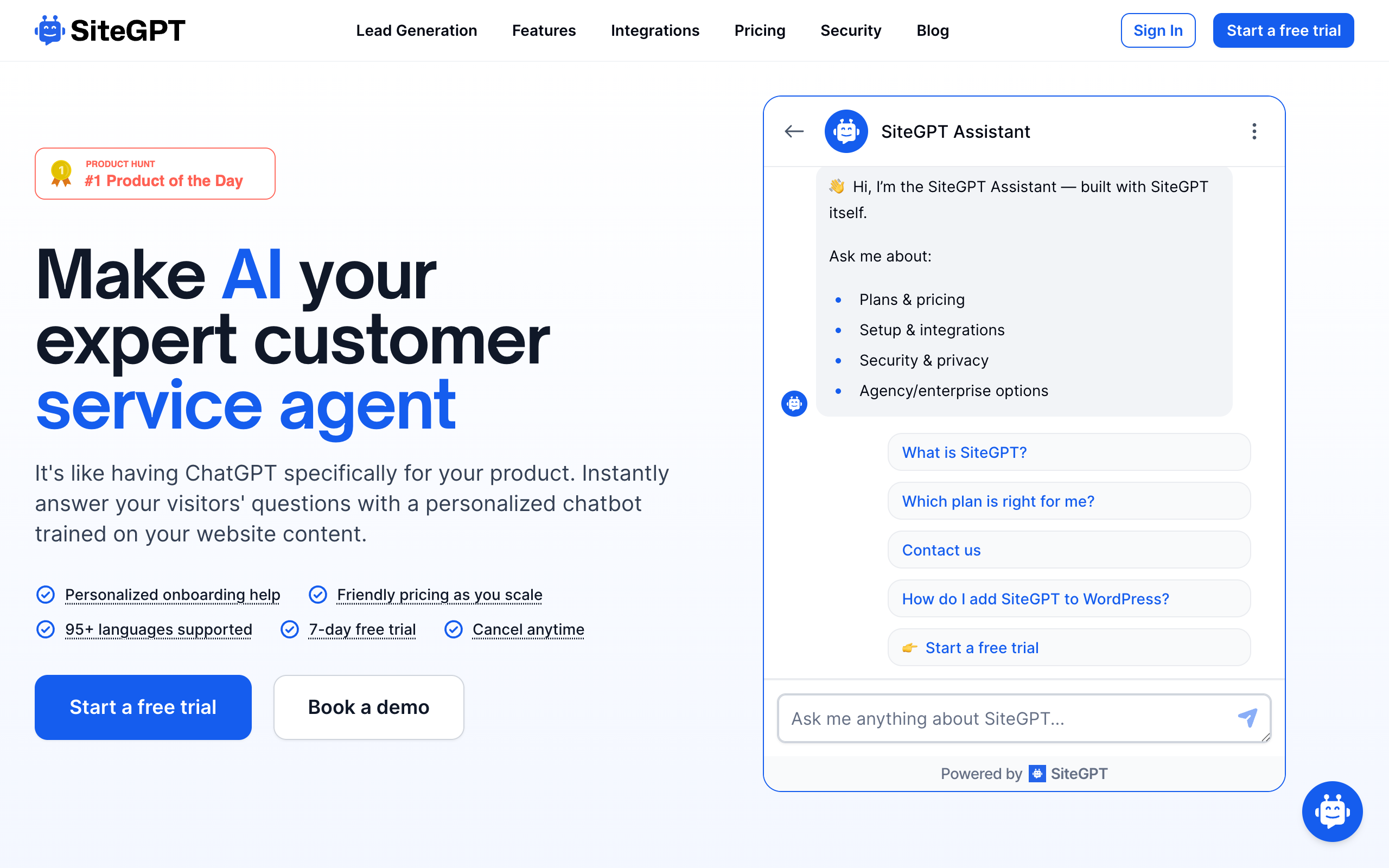
SiteGPT trains a chatbot on your own content and answers visitors in a chat window. Sources include websites, sitemaps, files, YouTube videos, GitHub, and cloud drives. It suits teams whose visitors arrive with a question and whose answers already exist in public pages.
SiteGPT answers in a chat window. It has no results page and no documented search bar widget. It also cannot act on live systems during a chat. The docs say the AI cannot check things like order status, stock levels, or customer accounts.
Key features
- Trains on website URLs, sitemaps, YouTube, files, Notion, Google Drive, Dropbox, OneDrive, Box, and GitHub
- Auto-sync monthly on Growth and weekly on Scale, with daily sitemap scans on Scale
- Follow-up questions rewrite the search using recent conversation
- 95+ languages, and a fallback message when content has no answer
- Escalation to a person and lead capture
- A widget SDK that sends a query from your own search box into the chat
Pros
- Published self-serve pricing with a 7-day free trial (credit card required)
- No LLM key to supply: model usage sits inside the plan's message allowance
- Sends a fallback message instead of guessing when content has no answer
- Keeps your existing search box through the widget SDK
- SOC 2 Type II examined, with a BAA and DPA available on Enterprise
Cons
- No results page, facets, sorting, or documented search bar widget
- Exact codes and rare names can rank below passages with similar meaning
- Source links show all matching web pages, so a link can appear even if the AI did not use that page
- BAA and signed DPA are Enterprise-only, and a HIPAA workspace turns off cloud connectors and chat integrations
- Auto-sync starts on Growth, so Starter refreshes manually
Pricing (pricing page, 7-day free trial, credit card required):
| Plan | Billed monthly | Billed yearly | Limits |
|---|---|---|---|
| Starter | $59/mo | $39/mo ($468/yr) | 4,000 GPT-4.1 mini or 400 GPT-4.1 messages, 1,000 pages |
| Growth | $129/mo | $79/mo ($948/yr) | 10,000 mini or 1,000 GPT-4.1 messages, 10,000 pages |
| Scale | $429/mo | $259/mo ($3,108/yr) | 40,000 mini or 4,000 GPT-4.1 messages, 50,000 pages |
| Enterprise | Custom | Custom | Custom limits, BAA and DPA available |
Best forContent and docs teams that want direct answers from public pages at a published price, and can accept a chat answer in place of a results list.
2. kapa.ai: best for technical documentation
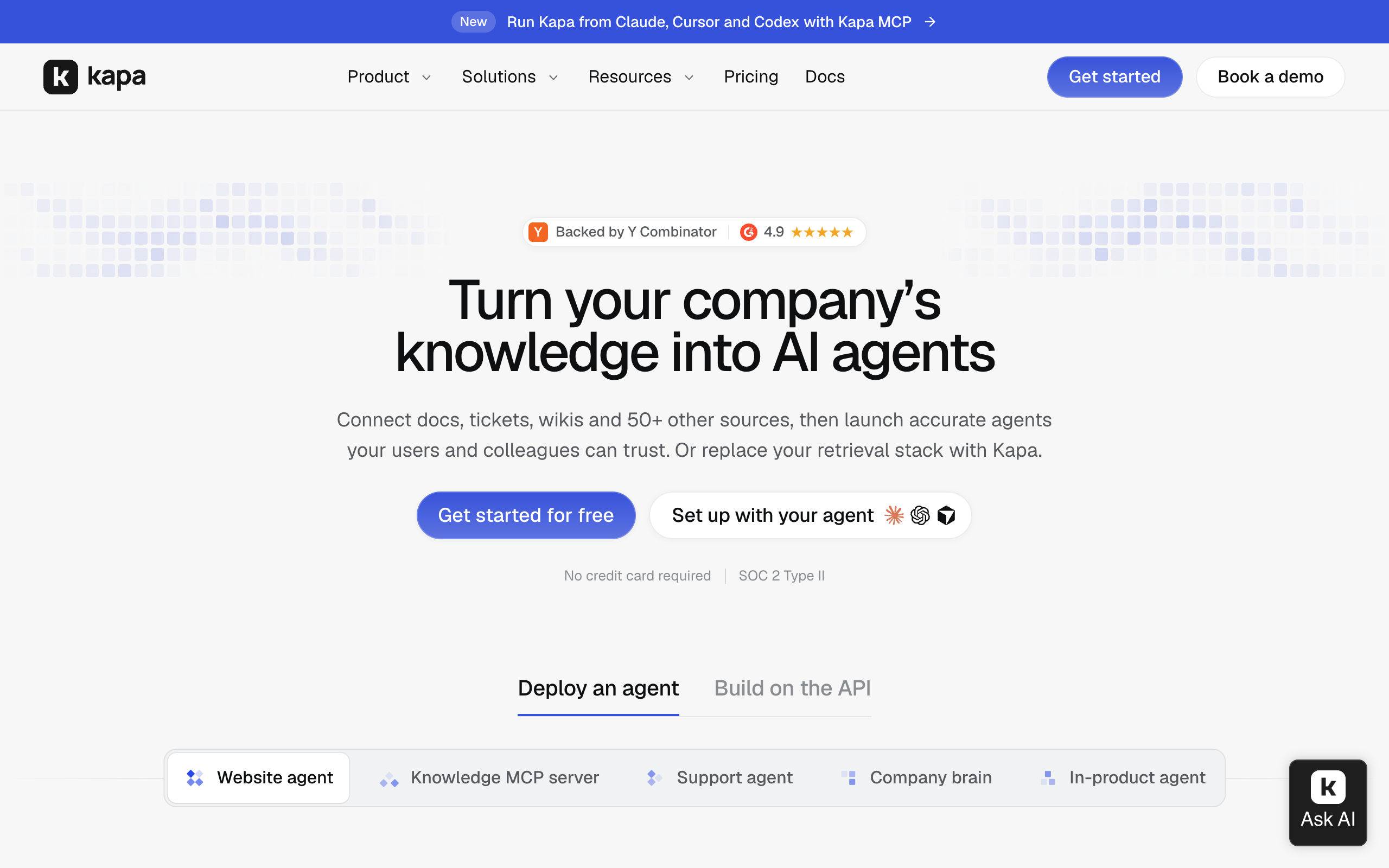
kapa.ai turns docs, tickets, wikis, and code repositories into cited answers. It deploys through a website widget, Slack, Discord, and a hosted MCP server.
Named customers include OpenAI, Logitech, and Nordic Semiconductor. For developer documentation, kapa.ai is a better fit than SiteGPT. Its Retrieval API and MCP server are built for developers.
Key features
- Website "Ask AI" widget added with a script tag
- Hosted MCP server, so coding agents can search your docs
- Retrieval API and Agent SDK
- Support form deflector and Zendesk reply drafting
- Analytics and knowledge gap reports on Growth
Pros
- Built for technical content, including API specifications and code repositories
- SOC 2 Type II and GDPR listed, with zero data retention and PII masking on Growth
- US or EU hosting on Enterprise
- Free 14-day trial with no credit card
Cons
- Paid pricing is not published, so budget needs a sales conversation
- HIPAA is not mentioned on its pricing page
- Less suited to a general marketing or media site
Pricing (pricing page):
| Plan | Price | Notes |
|---|---|---|
| Free trial | $0 for 14 days | 5,000 pages crawled, 1,000 answers |
| Growth | By request | Platform fee plus committed answers |
| Enterprise | Custom | SSO, SCIM, regional hosting |
Best forDeveloper tool and hardware companies with deep technical documentation and engineers as readers.
3. AddSearch: best for keeping a results page with answers beside it
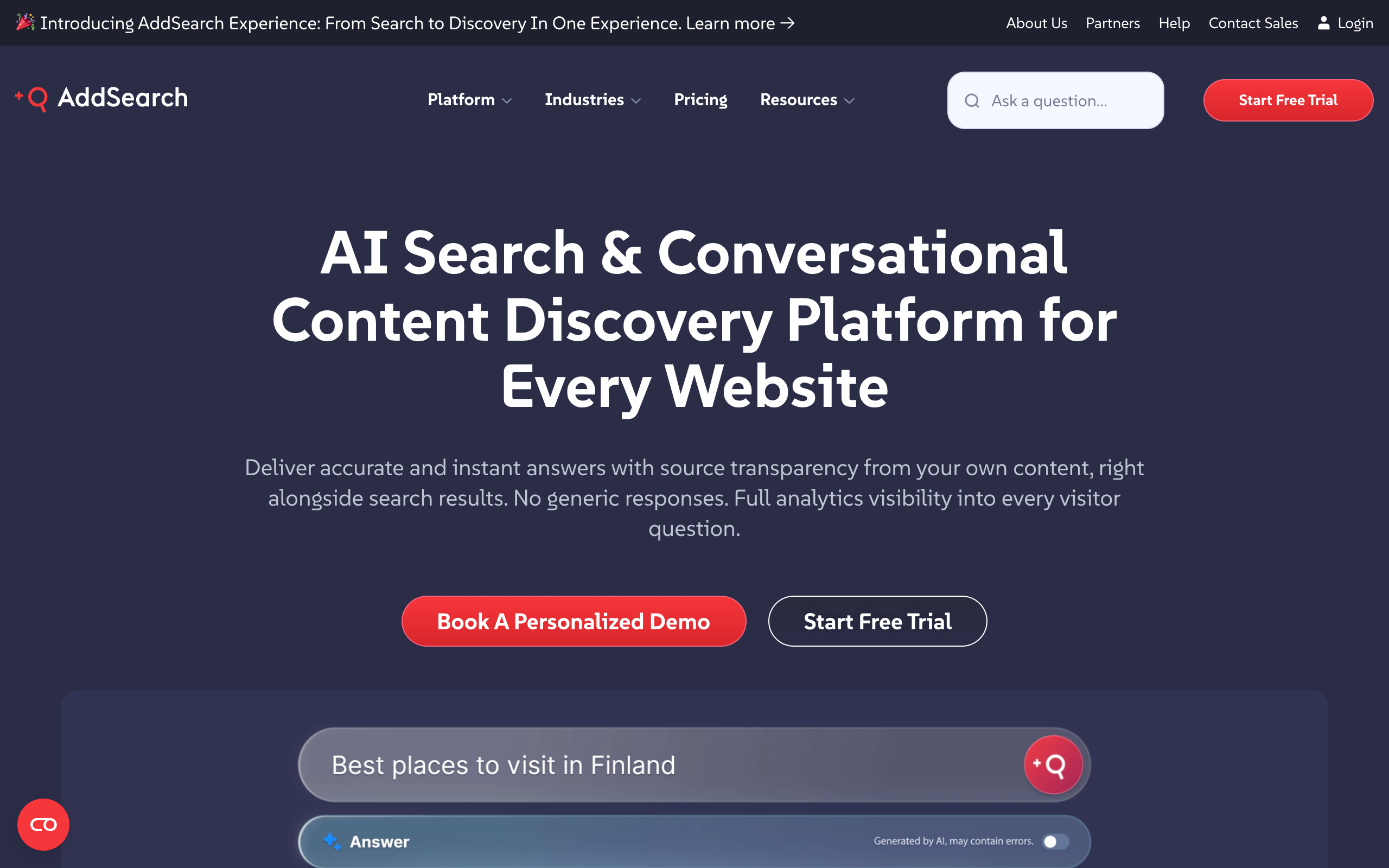
AddSearch is a hosted site search built for content sites. It can show answers with source links next to regular search results. That suits teams who want to keep their results page. It offers a crawler, an API, and native apps for WordPress and Shopify.
Key features
- Keyword search with filters, facets, synonyms, and ranking control
- AI Answers with source transparency, using OpenAI technology
- AI Conversations with context-aware follow-ups
- Merges content from several platforms into one search
Pros
- Keeps a familiar results page and adds answers next to it
- Works with any CMS through the crawler or API
- Describes itself as GDPR-ready, and says it follows SOC 2 standards
- 14-day free trial
Cons
- AI Answers starts at $700 a month billed annually
- AI Conversations is priced by quote
- Custom implementation usually takes 2-4 weeks
- A BAA is not mentioned on its pricing page
Pricing (pricing page):
| Plan | Price | Notes |
|---|---|---|
| Keyword Search | From $119/mo billed annually | Facets, ranking, synonyms, analytics |
| AI Answers | From $700/mo billed annually | Single-question answers with sources |
| AI Conversations | Custom | Context-aware follow-ups |
| All-in-one | Custom | All products plus API access |
Best forContent and media sites that want answers without giving up a results page.
4. DocsBot: best for a low entry price with a free plan
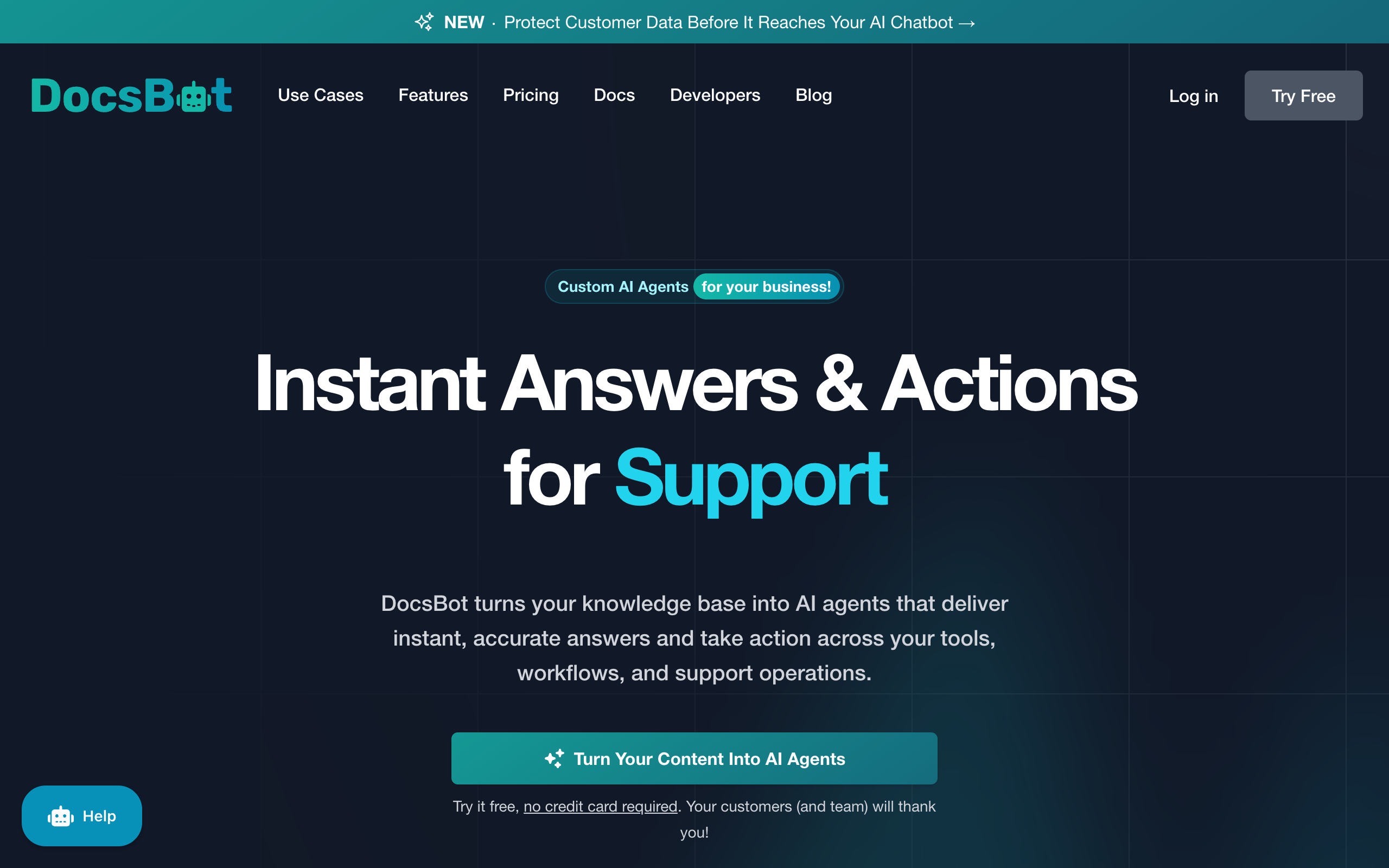
DocsBot builds chatbots from your documentation and offers a free plan with 50 source pages. Its Personal plan includes more source pages than SiteGPT Starter at a similar price. It suits a small docs site.
Key features
- Free plan with 50 source pages and 100 AI credits
- Actions per bot from the Personal plan
- US and EU regional storage options
- Annual plans include two months free
Pros
- Free plan for testing
- 5,000 source pages on Personal, against 1,000 on SiteGPT Starter
- HIPAA availability listed on Enterprise
Cons
- SOC 2 Type II, GDPR compliance, and a standard DPA are listed from Business at $499 a month billed monthly
- Metered in AI credits, so usage takes some translation
- G2 rating rests on only 3 reviews
Pricing (pricing page):
| Plan | Billed monthly | Billed yearly | Limits |
|---|---|---|---|
| Free | $0 | $0 | 50 pages, 100 credits |
| Personal | $49/mo | $492/yr | 5,000 pages, 5,000 credits |
| Standard | $149/mo | $1,488/yr | 15,000 pages, 15,000 credits |
| Business | $499/mo | $4,992/yr | 100,000 pages, 60,000 credits |
Best forSmall docs sites that want to start free and do not need a DPA yet.
The trade-offs against SiteGPT are in DocsBot alternatives.
5. Meilisearch: best for a simple engine, hosted or self-hosted
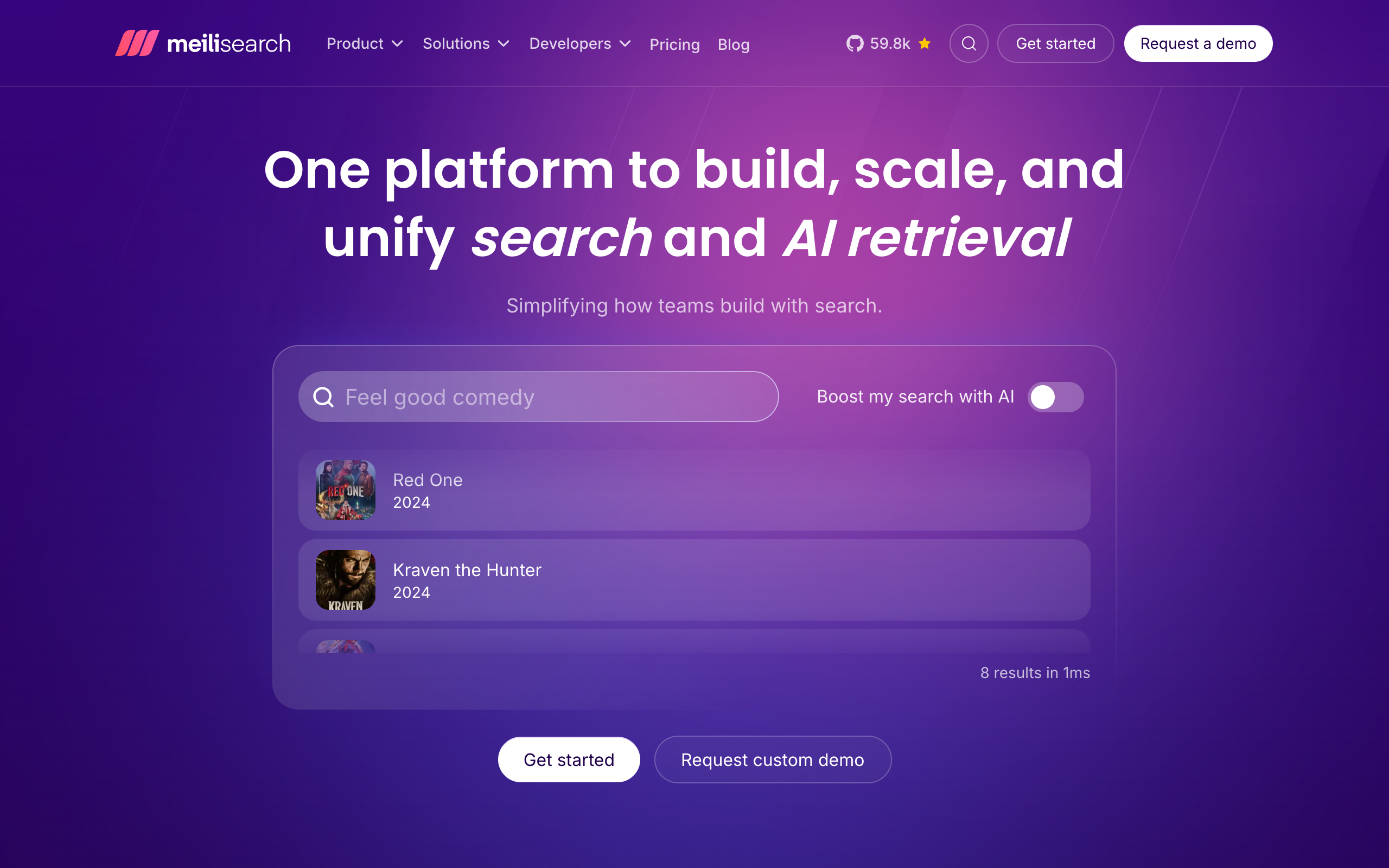
Meilisearch is a search engine you can self-host for free or use as a hosted service. Like Algolia, it returns a ranked results list. Its chat API adds generated answers, and that API is experimental.
Key features
- Vector, hybrid, and multimodal search
- Experimental
/chatsAPI that retrieves and generates in one call - Usage-based or resource-based Cloud billing
- MIT license with no usage limits when self-hosted
Pros
- Free to self-host under the MIT license
- Cloud starts at $20 a month with a 14-day free trial
- Estimator publishes example monthly costs
Cons
- Chat is experimental and needs your own LLM provider key
- You build the search interface
- SOC 2 and SSO are listed under the custom Enterprise plan
Pricing (pricing page):
| Plan | Price | Notes |
|---|---|---|
| Self-hosted | Free | MIT license, you run it |
| Cloud | From $20/mo | Estimator example: $30/mo for 100K documents and 50K searches |
| Enterprise | Custom | Uptime SLA, SSO SAML, SOC 2 |
Best forSmall engineering teams that want a simple search engine and may self-host it.
6. Typesense: best for the closest open source replacement
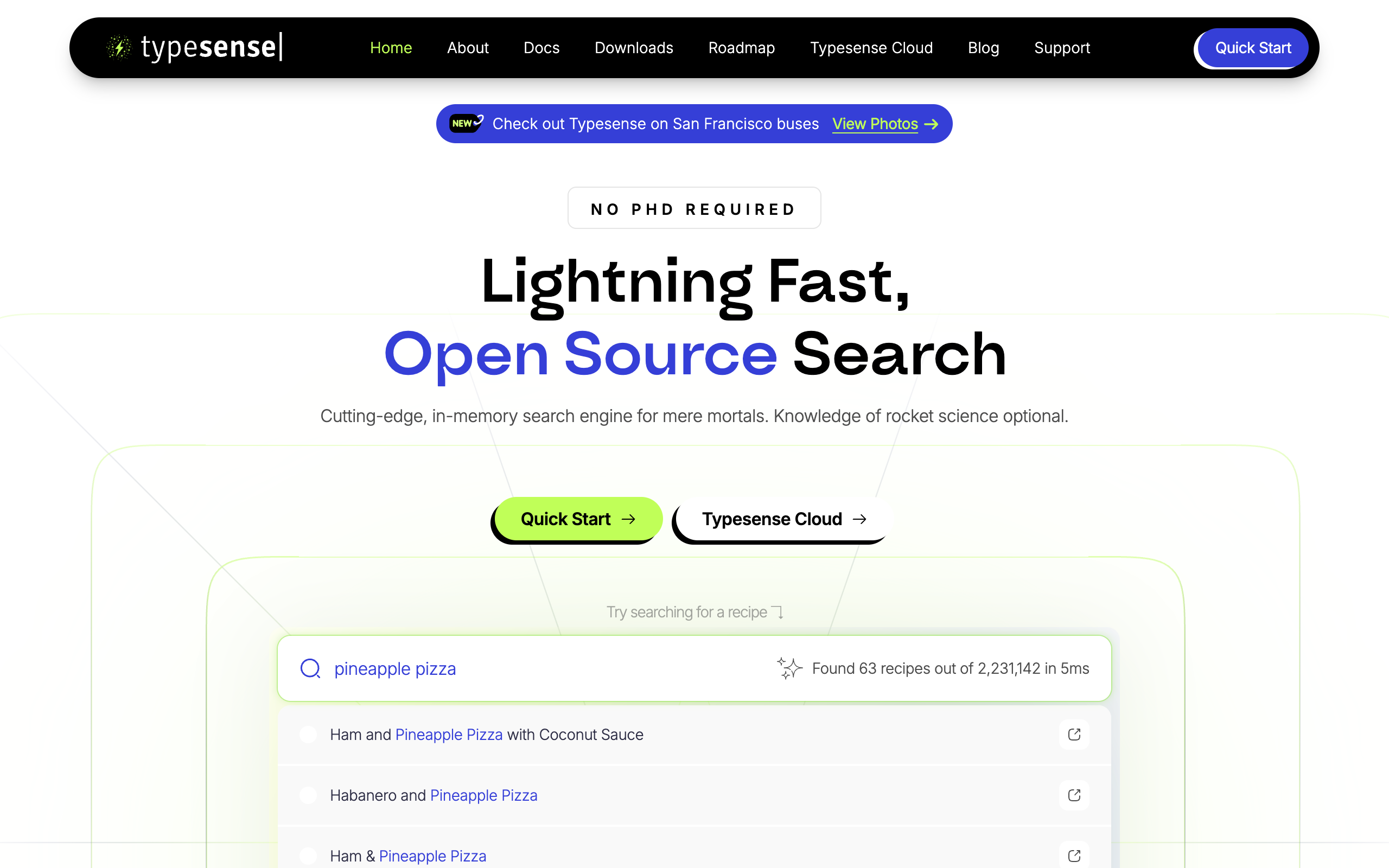
Typesense is an open source, in-memory search engine that calls itself "The Open Source Alternative to Algolia". The server is licensed under GPL-3.0. Typesense Cloud bills by cluster configuration. Its calculator states "no limits on records or operations", so more searches do not raise the bill on their own.
Key features
- Typo tolerance, tunable ranking, synonyms, and merchandising
- Filtering, faceting, geo search, and federated search
- Vector and semantic search
- Built-in RAG that takes your own LLM API key
Pros
- Feature set maps closely onto Algolia's, including merchandising
- Cloud pricing depends on capacity and bandwidth, not on search count
- Free migration consulting tiers for teams leaving Algolia at higher spend
Cons
- You size the cluster, and bandwidth is a separate line
- Conversational answers need your own LLM key and your own interface
- Its pricing page ties SOC 2 reports and HIPAA BAAs to an appropriate support plan
Pricing (Cloud calculator):
| Plan | Price | Notes |
|---|---|---|
| Self-hosted | Free | GPL-3.0, you run it |
| Typesense Cloud | By cluster configuration | Memory from 0.5 GB to 1,024 GB, bandwidth billed separately |
Typesense Cloud has no fixed price. Enter your configuration in the calculator to get one.
4.7/5·G2(5)Best forEngineering teams that want Algolia-style search under an open source license, with costs tied to capacity.
7. Elastic: best for teams already running Elasticsearch
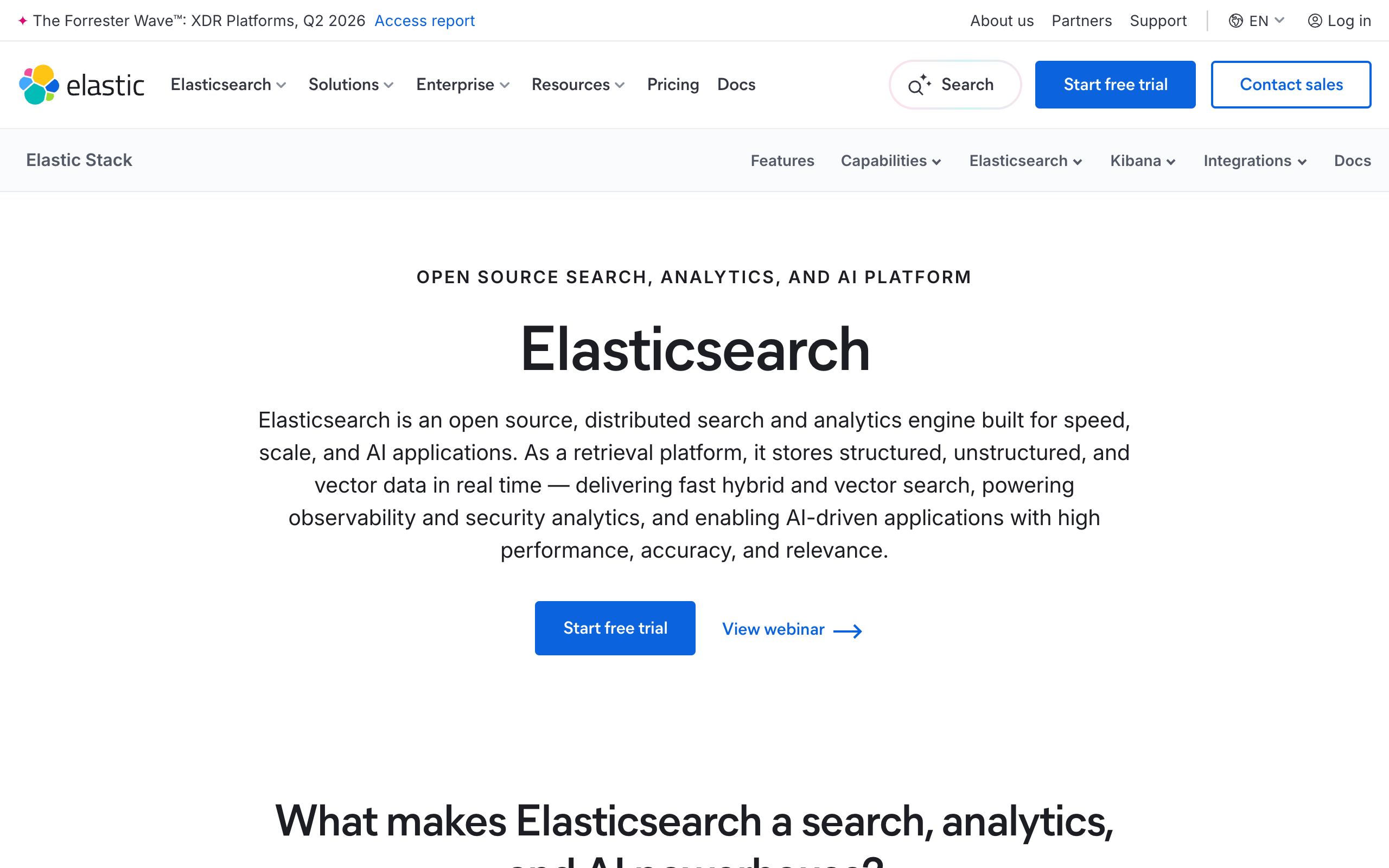
Elastic gives the most control of any engine here, and it takes the most work to run. Older guides describe products that no longer exist. Elastic's documentation says Enterprise Search, which included App Search and Workplace Search, was discontinued in Elastic Cloud Hosted in 9.0. Managed connectors and the managed crawler went with it, and Open Crawler is the self-managed replacement.
Key features
- Serverless, hosted, or self-managed deployment
- Vector search and Agent Builder
- Self-managed Open Crawler and connectors
- 99.95% monthly uptime SLA on Platinum and Enterprise tiers
Pros
- All Elastic Cloud subscription tiers on Azure, Google Cloud, and AWS permit a BAA, per its security page
- Data Processing Addendum available on request
- Very deep control over relevance and pipelines
Cons
- The turnkey site search products are gone in version 9.0
- Crawling now needs a self-managed component
- Needs engineers to build the interface and tune relevance
Pricing (Serverless pricing):
| Dimension | Rate | Notes |
|---|---|---|
| Search | From $0.09 per VCU-hour | Usage-based |
| Ingest | From $0.14 per VCU-hour | Usage-based |
| Storage | From $0.047 per GB-month | Plus egress |
| Example, dev | About $24/mo | 2 GB of searchable data, light use |
| Example, production | About $190/mo | 20 GB of searchable data, heavier use |
G2 has no single listing for Elastic's search product.
Best forCompanies that already run Elasticsearch and have engineers who own relevance.
8. Pagefind: best for free search on static sites
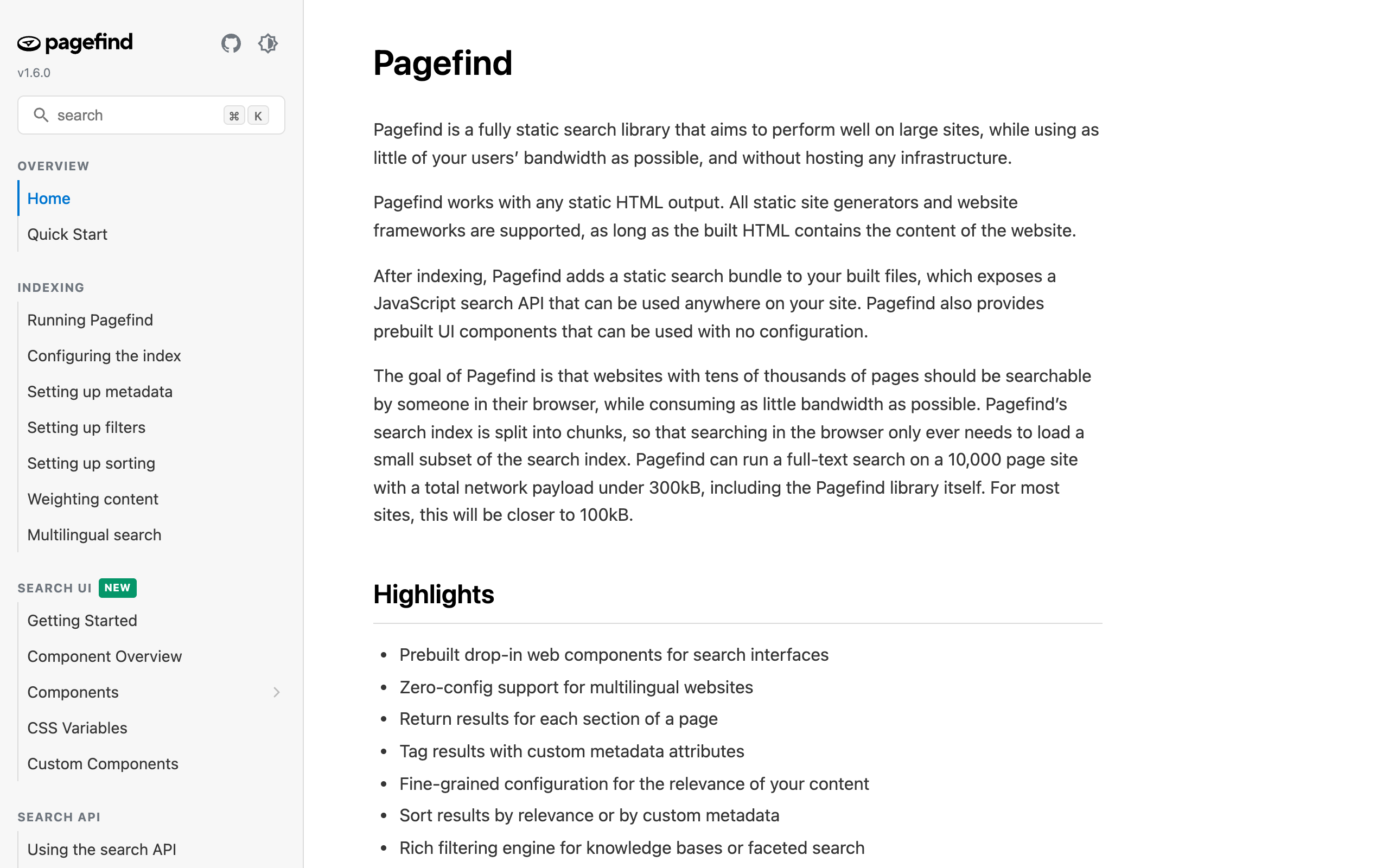
Pagefind is an MIT-licensed static search library. It indexes your built HTML and ships the index with your site, so there is no server to run. The site says a full-text search on a 10,000-page site can run with under 300kB of total payload.
Key features
- Works with any static site generator
- Prebuilt interface components and a JavaScript API
- Splits the index so a browser loads only a small part
Pros
- Free and MIT-licensed
- No hosted service or server
- Handles tens of thousands of pages, per its site
Cons
- Needs built HTML, so it suits static sites
- No AI answers are mentioned
- No analytics service or vendor support contract
Pricing: free and open source. Pagefind has no G2 listing.
Best forStatic docs and blogs that want keyword search at no cost.
How do the alternatives compare side by side?
| Tool | Output | Hosting | AI answers | Entry price | G2 |
|---|---|---|---|---|---|
| SiteGPT | Chat answer | Hosted | Included | $39/mo billed yearly | 4.9 (12) |
| kapa.ai | Chat answer | Hosted | Included | By request | 4.9 (45) |
| AddSearch | Results and answers | Hosted | From $700/mo billed annually | $119/mo billed annually | 4.6 (106) |
| DocsBot | Chat answer | Hosted | Included, credits | Free, $49/mo billed monthly | 4.3 (3) |
| Meilisearch | Results | Both | Experimental, your LLM key | $20/mo Cloud | 4.8 (5) |
| Typesense | Results | Both | Built-in RAG, your LLM key | Free self-hosted | 4.7 (5) |
| Elastic | Results | Both | Agent Builder, metered | Usage-based | Not matched |
| Pagefind | Results | Static files | None mentioned | Free | Not confirmed |
| Algolia | Results | Hosted | Agent Studio, your LLM key | $0 start, then usage | 4.5 (461) |
The chart shows published prices only. The plans include different limits.
DocsBot's figure is $492 a year divided by 12. kapa.ai publishes no paid price. Meilisearch, Typesense, and Algolia charge for search, and you pay your LLM provider separately.
Annual billing saves $240 a year on SiteGPT Starter
$59 a month billed monthly costs $708 a year. $468 billed yearly saves 34%.
Which alternatives clear a BAA or DPA gate?
US healthcare and EU education buyers should check this table before anything else. Use it as a starting point for your own vendor review.
| Tool | HIPAA and BAA | GDPR and DPA | Other |
|---|---|---|---|
| SiteGPT | HIPAA assessed, BAA on Enterprise only | GDPR certified by DPLMC International, DPA executed on Enterprise | SOC 2 Type II examined |
| Algolia | Not listed in its compliance article | DPA published | SOC 2, ISO 27001, EU processing locations |
| kapa.ai | Not mentioned on pricing page | GDPR listed | SOC 2 Type II, EU hosting on Enterprise |
| AddSearch | Not mentioned on pricing page | Described as GDPR-ready | Says it follows SOC 2 standards |
| DocsBot | HIPAA available on Enterprise | DPA from Business | SOC 2 Type II from Business |
| Meilisearch | Not mentioned on pricing page | Not mentioned on pricing page | SOC 2 on Enterprise |
| Typesense Cloud | BAA tied to a support plan | Not read | SOC 2 report tied to a support plan |
| Elastic | BAA permitted on Cloud tiers | DPA on request | SOC 2 Type 2 |
A SiteGPT BAA also limits what the workspace can do. The HIPAA docs say cloud file connectors are blocked, chat integrations are unavailable, and conversations are redacted 7 days after last activity. Training content must stay free of PHI. Conversations stay in the on-site chat, which the BAA covers.
SiteGPT's subprocessor list places core data storage in the United States. If EU-only storage is a hard requirement, SiteGPT does not meet it. When US hosting is acceptable, chatbot data residency explains the legal route, and enterprise site search walks through the wider procurement review.
How do you choose an Algolia alternative?
What do visitors do in your search box?
- If they browse and filter many items→Stay on Algolia, or test Typesense
- If they ask questions in sentences→SiteGPT or kapa.ai
- If they do both→AddSearch, or keep your engine and add SiteGPT next to it
Who will run it?
- If nobody has server time→SiteGPT, kapa.ai, AddSearch, or DocsBot
- If an engineer owns search→Typesense, Meilisearch, or Elastic
- If the site is static and the budget is zero→Pagefind
Is a BAA a procurement gate?
- If yes, and you want an answer tool→SiteGPT Enterprise or DocsBot Enterprise, after checking scope
- If yes, and you will build the search yourself→Elastic Cloud, after checking scope
- If no→Decide on output and operations alone
| Scenario | Best pick | Why |
|---|---|---|
| Product catalog with filters and merchandising | Algolia | Facets and merchandising are its core job. |
| Open source project docs | DocSearch | Free for open source and technical docs. |
| Developer docs at a funded company | kapa.ai | Retrieval API, MCP server, and cited answers for technical content. |
| SaaS help center with how-do-I questions | SiteGPT | Direct answers from public content with handoff to a person. |
| Media site that keeps its results page | AddSearch | Answers appear next to regular results. |
| Small docs site starting free | DocsBot | Free plan with 50 source pages. |
| Replacing Algolia to control search spend | Typesense | Cluster pricing has no per-search charge. |
| Small team that wants a simple engine | Meilisearch | Cloud from $20 a month, or free self-hosted. |
| Existing Elasticsearch deployment | Elastic | Reuses the skills and infrastructure you have. |
| Static blog on a zero budget | Pagefind | MIT-licensed with no server. |
| US healthcare site with a public chat | SiteGPT Enterprise | BAA available on Enterprise, with connectors and integrations off. |
Teams that buy at the suite level should read Coveo alternatives, which covers the same decision for enterprise search platforms.
How do you move from Algolia to SiteGPT?
Moving from Algolia starts with your existing website content. You add your site to SiteGPT, test the answers against real visitor questions, and go live when the results hold up. Algolia can stay in place while you test.
The 7-day free trial is the simplest way to check the fit on your own content. It needs a credit card, and you can cancel before it ends.
For questions about your setup or timing, email Bhanu, SiteGPT's founder, at bhanu@sitegpt.ai.
Frequently asked questions
Basics
What is the best Algolia alternative? For direct answers on a public content or docs site, pick SiteGPT or kapa.ai. kapa.ai is the better fit for developer documentation. For a replacement search engine, Typesense and Meilisearch are the closest matches. Stay on Algolia if your main job is product search with merchandising.
When should you stay on Algolia? Stay when visitors browse and compare many items. Product search with filters, facets, merchandising, and personalization is what Algolia is built for. Answer tools have no facets or merchandising.
Can an AI chatbot replace site search? For question-style traffic on content and docs sites, often yes. For browsing, filtering, and exact code lookups, no. Many teams keep the search box and add answers next to it. The steps are in the guide on adding AI answers to a website search box.
Free and open source
Is there a free Algolia alternative? Yes. Pagefind is a free MIT-licensed library for static sites. Meilisearch is free to self-host under the MIT license, and Typesense is free to self-host under GPL-3.0. Algolia also has its own free plan with 10,000 search requests a month, and DocSearch is free for open source and technical docs. DocsBot has a free plan with 50 source pages.
What is the best open source Algolia alternative? Typesense and Meilisearch are the two closest. Typesense calls itself the open source alternative to Algolia and is licensed under GPL-3.0. Meilisearch is MIT-licensed. Both need someone to run the server if you self-host, and both offer a paid cloud service. Pagefind is a third option for static sites only.
AI answers
Does Algolia have AI answers? Yes, through Agent Studio. Algolia's documentation says Ask AI is part of Agent Studio and is not available as a standalone feature for new applications. You bring your own LLM API key, so model costs sit outside your Algolia bill.
Is SiteGPT a search engine? No. SiteGPT is a chat window that answers from your content. It does not return a results page, and no search bar widget is documented. You can pass a query from your existing search box into the chat with the widget SDK, which opens a chat answer.
Pricing
How much does Algolia cost at 100,000 searches a month? On Algolia's Grow plan, 10,000 search requests are included and extra requests cost $0.50 per 1,000. So 100,000 search requests a month cost $45 in search fees. On Grow Plus the rate is $1.75 per 1,000, so the same volume costs $157.50. As-you-type search raises the count, because each keystroke sends a new request.
Compliance
Does Algolia offer a HIPAA BAA? Algolia's product compliance article lists GDPR, CCPA, SOC 2, ISO 27001, ISO 27017, and C5 for its Search API. It does not list HIPAA. If you handle protected health information, confirm directly with Algolia before any such data reaches it.
Which Algolia alternatives offer a HIPAA BAA? Elastic's Cloud security page says all Elastic Cloud subscription tiers on Azure, Google Cloud, and AWS permit a BAA. DocsBot lists HIPAA availability on Enterprise. SiteGPT offers a BAA on the Enterprise plan only, and a covered workspace turns off cloud connectors and chat integrations. Check scope with each vendor before signing.
Sources
- Algolia pricing, Ask AI documentation, Agent Studio, DocSearch, and product compliance
- SiteGPT pricing, security, HIPAA program, HIPAA workspace docs, how answers work, and auto-sync
- kapa.ai and kapa.ai pricing
- AddSearch and AddSearch pricing
- DocsBot pricing
- Meilisearch pricing and chat documentation
- Typesense, GitHub repository, Cloud calculator, and conversational search documentation
- Elastic Cloud security, Serverless pricing, and Elastic Cloud differences
- Pagefind and its GitHub repository
- Pew Research Center, 22 July 2025