


Choose an AI appointment setter by where your leads talk to you and whether the booking must finish inside the conversation.
Chatbase books inside website chat on a small budget. Fin for Sales does the same for Intercom teams. SiteGPT answers from your content and guides visitors to your booking link. It works beside the calendar you already use.
Appointment setters work in two different ways. Some tools read your calendar and hold the slot. Others hand over a link. If you buy the wrong type, you will have to migrate later.
iShort answer
If the visitor must pick a time inside the chat, choose Chatbase, or Fin for Sales if you run Intercom. If leads arrive by form and you want a text within seconds, look at Setter AI. If they call, look at Retell AI.
If your scheduler is already working and visitors mainly need answers before they book, choose a guided booking chatbot. SiteGPT fills that role from $39 a month billed yearly. It does not read your calendar.
14h 29m
was the average phone response time when Workato submitted demo requests to 114 B2B companies. Only 31% called at all.
Source: Workato, lead response time studySettle this before you compare features.
Books in the conversation
The tool reads live availability and confirms a time in chat or on a call. Needs a calendar connection.
Guides to a calendar link
The tool answers questions, then shares your link. The visitor picks a time on the calendar page.
Channel limits
In-chat booking often runs on web only. Check it on WhatsApp, SMS, and phone.
Instructions
Either way, the tool needs clear rules on when to suggest booking and what to collect first.
What is an AI appointment setter?
An AI appointment setter is software that talks to a lead, collects the details needed for a meeting, and moves the lead onto a calendar. It runs over website chat, text, or phone.
The job has grown because people expect a fast reply. Workato found that fewer than 1% of the companies it tested reached out within 5 minutes. A lead who waits until tomorrow may have booked with someone else. The speed to lead guide covers how to measure that gap.
This list covers inbound tools only. It does not include outbound SDR products that send cold email.
Which tools book in the conversation, and which guide to a link?
Book-in-conversation tools connect to a scheduler and complete the booking during the exchange. Guided booking tools share a link and leave the final step to the visitor.
| Tool | Method | Channel for booking | Calendar connection |
|---|---|---|---|
| Chatbase | Books in chat | Chat bubble, help page, Center Stage | Calendly, Cal.com |
| Fin for Sales | Books in chat | Messenger (link by email and SMS) | Calendly, Chili Piper |
| SiteGPT | Guides to a link | Website, WhatsApp | None: you supply a URL |
| Setter AI | Books in chat | SMS, WhatsApp, website chat | Calendly, per vendor |
| Retell AI | Books on the call | Phone | Cal.com |
| Landbot | Books in chat | Web only | Calendly |
| HubSpot | Guides to a link | Website chat | HubSpot Meetings |
| Tidio | Guides to a link | Website chat | Calendly API sends the link |
| Qualified | Books in chat | Website chat | Google Calendar, Microsoft 365 logos shown |
A link is simpler to run. In-chat booking removes a click for the visitor.
Guides to a link
- Visitor leaves the chat to finish
- Works with any scheduler
- Works anywhere a link can be shown
- Scheduler rules stay in the scheduler
Books in the conversation
- Visitor stays in the chat
- Needs a supported calendar
- Often limited to certain channels
- Slots come from a live calendar read
A link keeps your booking rules in one place. Payment steps, intake forms, and multi-staff rules stay on the booking page you already trust. In-chat booking suits a single event type where the extra click loses people.
How were these tools ranked?
The ranking assumes a small or mid-size service business or SaaS team with inbound leads. Booking inside the conversation at a published price comes first. SiteGPT does not book. It ranks third, in a stack role, for businesses whose visitors want answers before they book.
What are the best AI appointment setters?
1. Chatbase: best for in-chat booking on a small budget
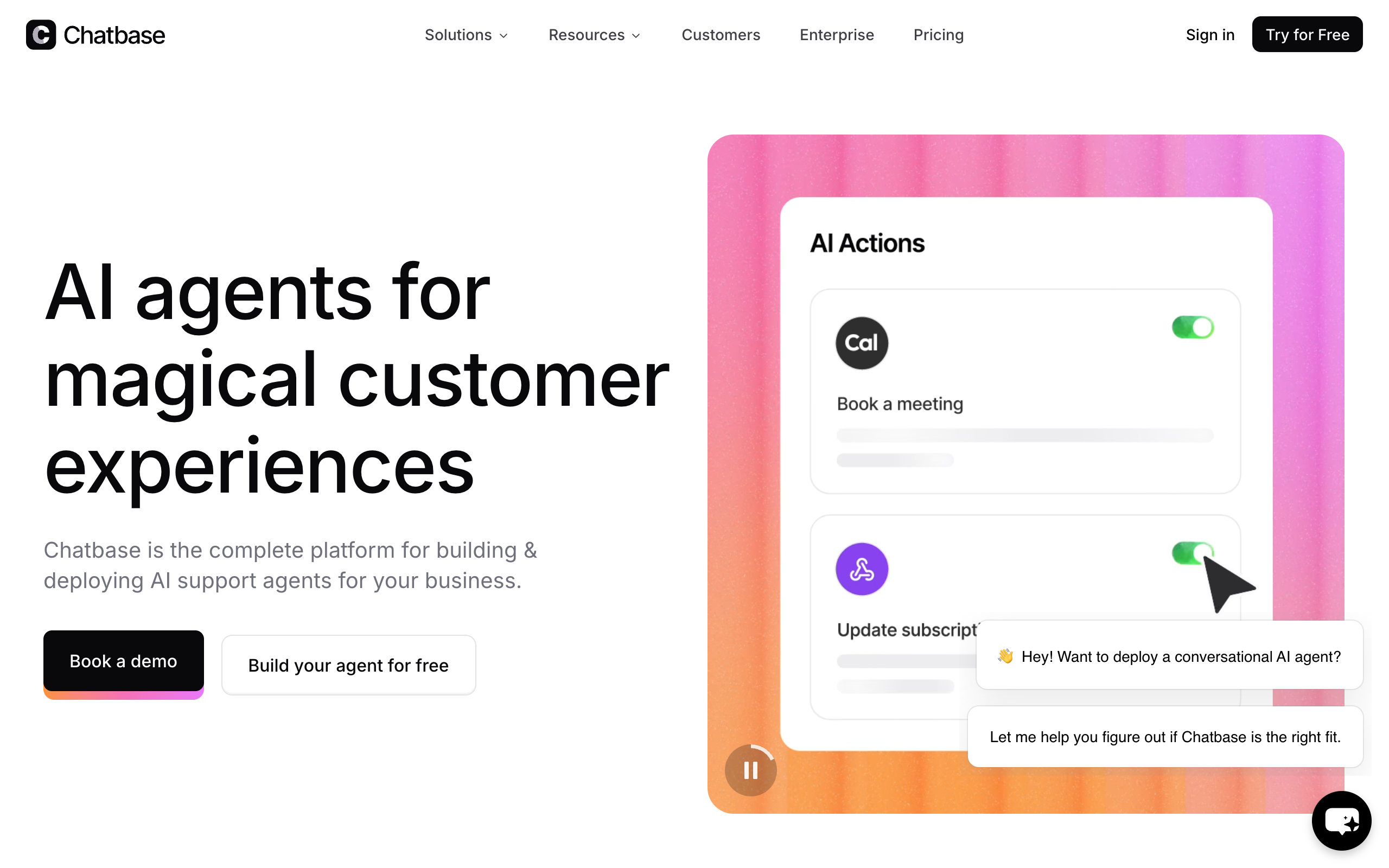
Method: books in chat. Chatbase is a content-trained AI agent builder. Its Cal.com action shows open slots, and the customer picks one in the chat.
Key features
- Calendly and Cal.com actions that read live availability
- A "When to use" rule that sets when the agent offers booking
- Lead capture actions alongside booking
- Training on your own content
Pricing: per the pricing page, Hobby is $32 a month billed yearly ($40 list) with 700 message credits and the Calendly integration. Basic is $120 a month billed yearly ($150 list).
Pros
- Lowest published price for in-chat AI booking on this list
- Cal.com needs only an event URL
- Agent can check for an existing booking first
Cons
- Booking actions run on chat bubble, help page, and Center Stage only
- Each action is set up for one chosen event
- Hobby's 700 credits limit volume
Best forSmall teams with one or two meeting types that want the booking finished in the chat.
2. Fin for Sales: best for Intercom teams
Method: books in chat. Fin for Sales qualifies a lead against your playbook, then books. In the Messenger the lead sees a calendar card. In email or SMS, Fin sends a Calendly link.
Key features
- Playbook-based qualification before booking
- Calendly booking, including round robin event types
- Chili Piper as a second booking option
- Refreshes availability if a slot is taken
Pricing: per the Fin pricing page, a qualification outcome costs $9.99, plus $19 per helpdesk seat a month with Intercom. Fin for Sales has a 14-day free trial.
Pros
- Books only after qualification, so reps see fewer poor-fit meetings
- Round robin support through Calendly
- Works across chat, email, and SMS
Cons
- Needs an Intercom plan from the latest tiers
- Calendly booking needs a paid Calendly plan
- Calendly availability covers only the next 14 days
Best forSales teams on Intercom that want a meeting booked only after a lead passes the playbook.
3. SiteGPT: best as the answer layer beside your calendar
Method: guides to a link. SiteGPT is the knowledge-trained answer layer in a booking stack. It answers questions such as "do you treat this?" or "what does this cost?" before the visitor is ready to book. The booking itself happens on your calendar page.
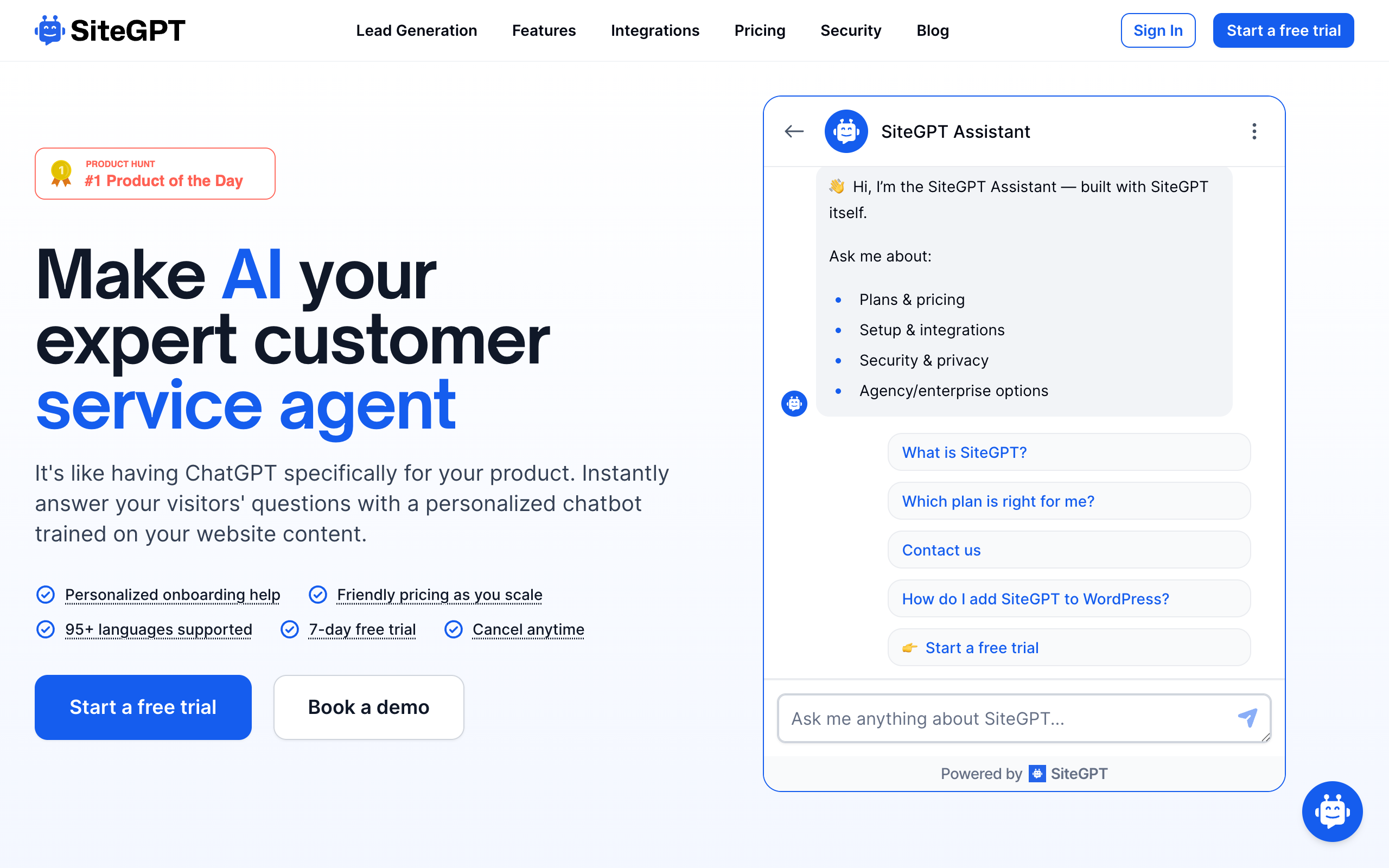
You write chatbot instructions that guide visitors towards booking. Lead templates hold a Booking System URL, and the AI includes that link when it collects a lead. On WhatsApp the link arrives as a message after the visitor submits the form.
SiteGPT does not read availability, does not book in chat, and has no native calendar integration. The how answers work page says the bot has no live data. If you need a slot confirmed in the chat, choose one of the tools above.
Key features
- Lead forms that appear on interest, when the AI cannot answer, or after N messages
- Templates for Dental, HVAC, Legal, Real Estate, Automotive, Healthcare, SaaS, Consulting, and Custom, with a booking URL
- Answers from 12+ source types, with 95+ languages
- Human handoff and a working hours schedule on the widget
Pricing: Starter is $39 a month billed yearly or $59 billed monthly. Growth is $79 billed yearly or $129 monthly. A 7-day free trial is included, and a credit card is required.
Pros
- Works with any scheduler that has a URL
- Answers pre-booking questions from your own content
- Lead forms on any plan
Cons
- Does not book or read availability
- The visitor leaves the chat to pick a time
- The chatbot cannot see whether the visitor finished booking
Best forClinics, trades, and agencies whose scheduler already works and whose visitors have questions before they book.
4. Setter AI: best for following up form leads by text
Method: books in chat. Setter AI texts a lead after a form submission. Its site says the first message goes out within 10 seconds, and that it qualifies leads and books into Calendly.
Key features
- SMS, WhatsApp, and a website chat embed
- Leads connect from Meta ads, LinkedIn forms, and web forms through Zapier or Make
- Automatic follow-up when a lead stops replying
- Meeting reminders by text or WhatsApp
Pricing: the pricing page shows plans from $397 a month billed yearly and $497 billed monthly. The page lists credits, and its FAQ describes pricing as per lead. Ask the vendor how the two map. Setter AI's site shows a "not available in your country" notice in some locations, so check availability first.
Pros
- Built for lead follow-up by text
- Connects to any lead form through Zapier
- Follows up automatically
Cons
- Highest published entry price among the self-serve tools here
- Credits and per-lead pricing are not clearly reconciled on the page
- Regional availability needs checking
Best forBusinesses running paid ads to forms that want a text sent within seconds.
5. Retell AI: best for booking by phone
Method: books on the call. Retell AI builds voice agents. Its Cal.com tools check availability and book "after the caller confirms a time", and every call reads Cal.com live.
Key features
- Check Availability and Book Appointment tools
- List, get, reschedule, and cancel tools
- Webhooks and API on pay-as-you-go
- 20 concurrent calls included
Pricing: the pricing page lists $0.07 to $0.31 a minute, with $10 in free credits. At the page's example rate of about $0.11, 100 three-minute calls cost about $33.
Pros
- Live calendar read during the call
- Pay by the minute, billed to the second
- No feature gating on pay-as-you-go
Cons
- You build and test the agent yourself
- Live tests create real bookings
- Total cost depends on model and voice choices
Best forBusinesses where most bookings still start with a phone call, and that have someone to build the agent.
6. Landbot: best for scripted booking flows
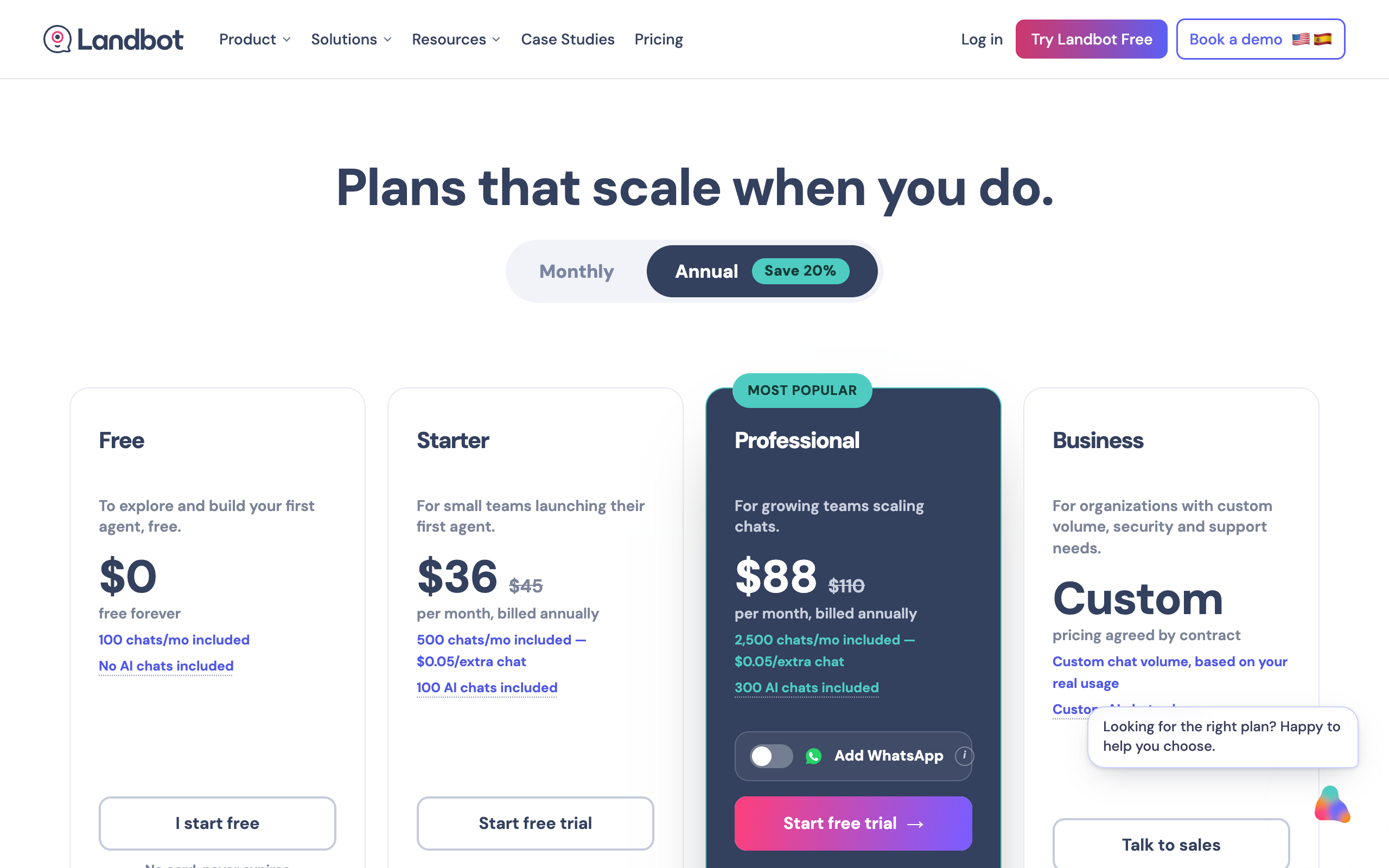
Method: books in chat. Landbot is a visual builder. Its Calendly block lets a user pick a slot inside the bot, and the booking appears in Calendly right away.
Key features
- Calendly block with outputs for booked and skipped
- Questions before the booking step
- Data variables in messages and invites
- HubSpot block on Professional
Pricing: per the pricing page, Professional is €80 a month billed yearly or €100 monthly. The Calendly article lists the block on Pro and Business plans.
Pros
- Predictable path you design yourself
- In-chat booking
- 14-day trial with no card
Cons
- Calendly block is web only
- Each path is scripted by hand
- Priced in euros
Best forMarketing teams that want a fixed qualification flow ending in a booked slot.
7. HubSpot: best for teams already on HubSpot
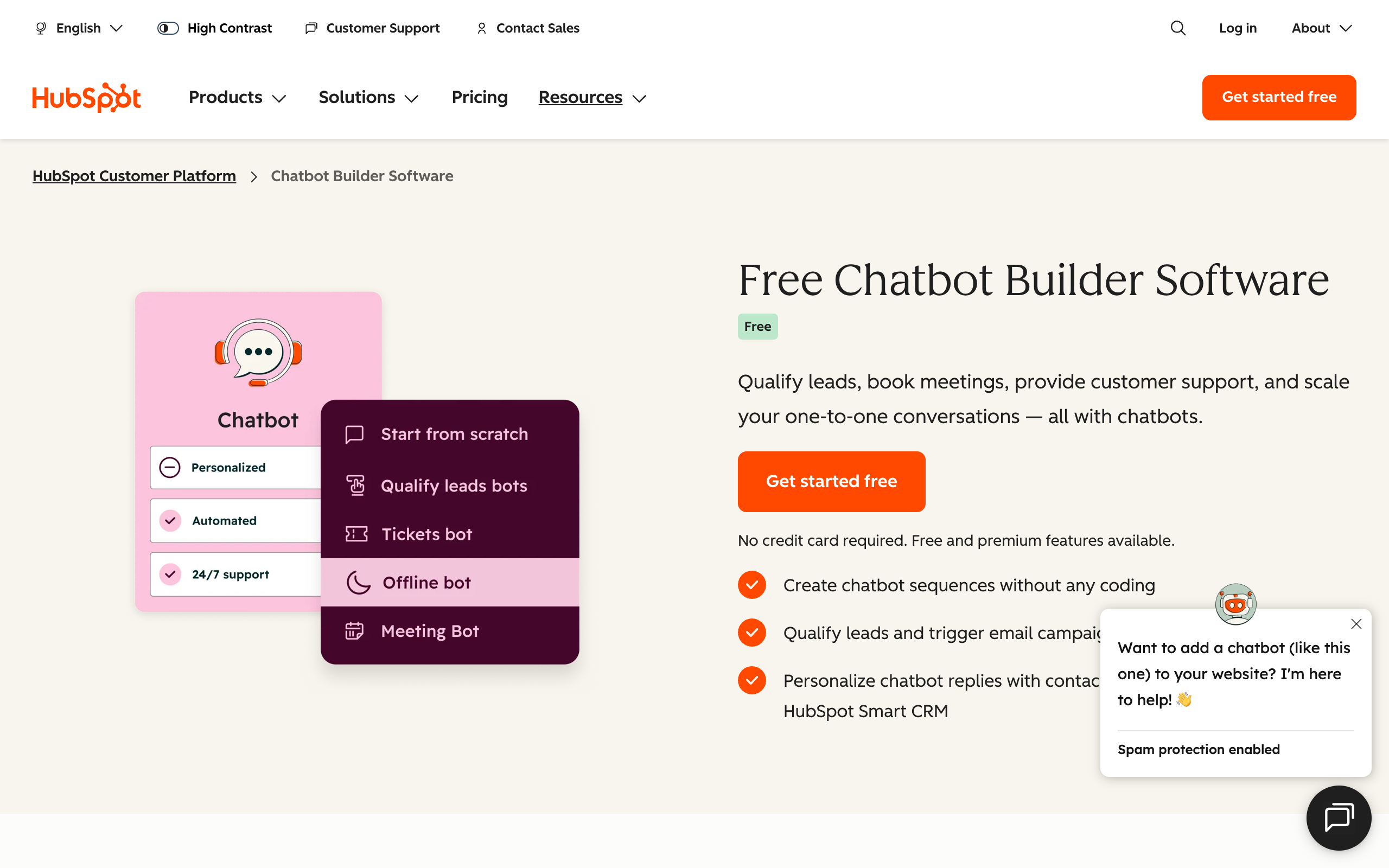
Method: guides to a link. HubSpot's Book a meeting action shares a meetings link through a chatbot message. With custom form fields on the meeting, the visitor goes to the booking page.
Key features
- Free rule-based chatbot with a Meetings bot template
- Answers saved to contact properties
- AI customer agent that can route qualified leads to a meeting link
- Qualified, Partially qualified, and Not qualified categories on the agent
Pricing: the rule-based bot is free. The customer agent needs a Professional or Enterprise hub and HubSpot Credits. Marketing Hub Professional is $800 a month with an annual commitment, or $890 billed monthly.
Pros
- Free to start
- Native CRM record for every booking lead
- Meetings tool included
Cons
- Rule-based bot follows a script
- AI agent needs a paid hub and credits
- Custom fields send the visitor to the booking page
Best forTeams on HubSpot that want bookings tied to contact records.
8. Tidio: best for small stores already on Tidio
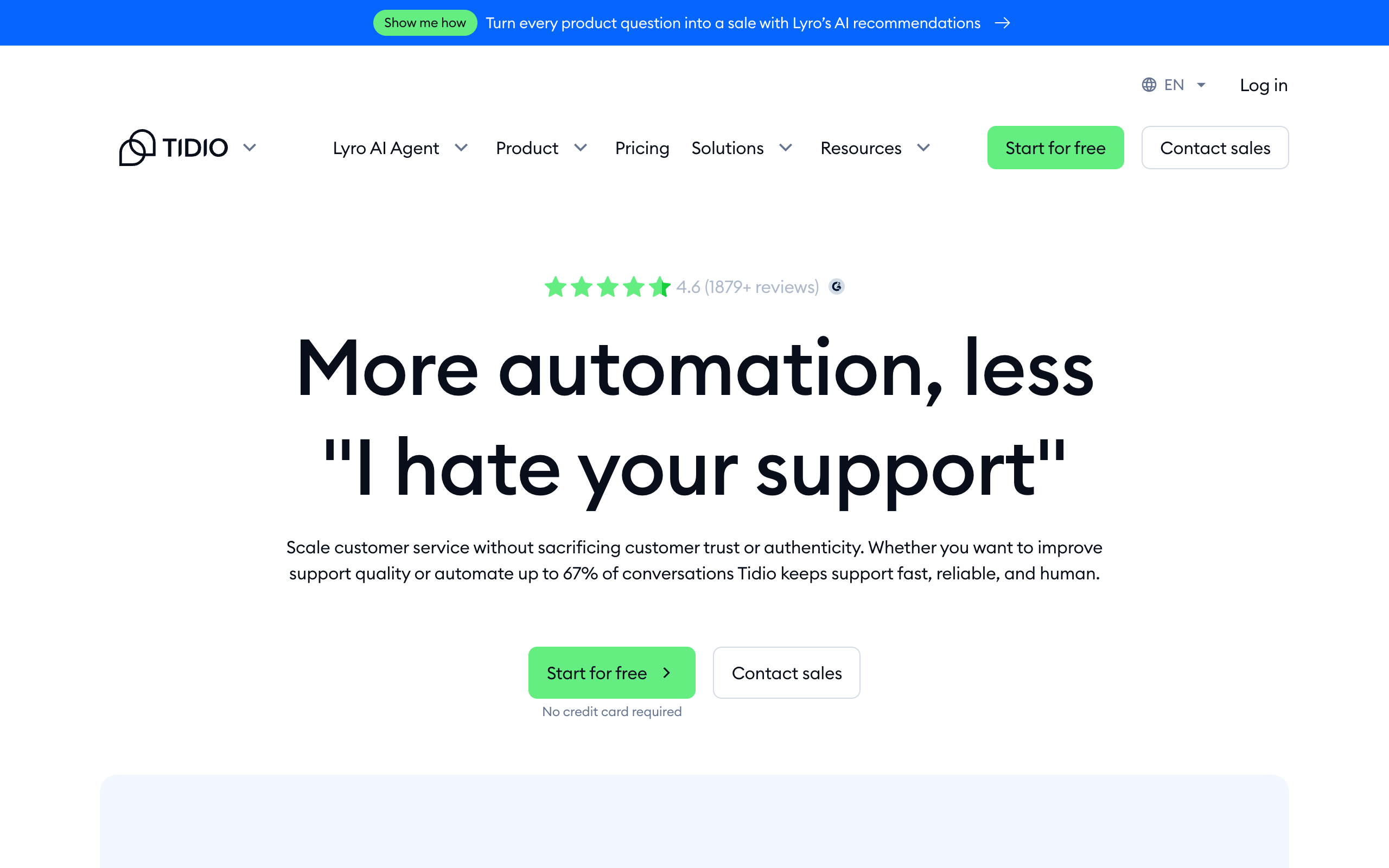
Method: guides to a link. Tidio's Book a call template uses the Calendly API to send a scheduling link. You paste a Calendly access token, test the request, and turn the action on.
Key features
- Lyro "Book a call" action template
- Flows template for appointment booking
- Live chat in the same inbox
- Action templates for HubSpot, Mailchimp, and Klaviyo
Pricing: per the pricing page, there is a Free plan. Starter is $24.17 a month, and Lyro starts at $32.50 a month for 50 conversations.
Pros
- Free plan and no-card trial
- Live chat for handoff
- Scripted and AI options in one product
Cons
- Sends a link, with setup through a token
- Help article describes actions as still in development
- Lyro conversations are metered
Best forSmall stores already on Tidio that want a booking link in the chat.
The two products are compared in SiteGPT vs Tidio.
9. Qualified: best for enterprise teams on Salesforce
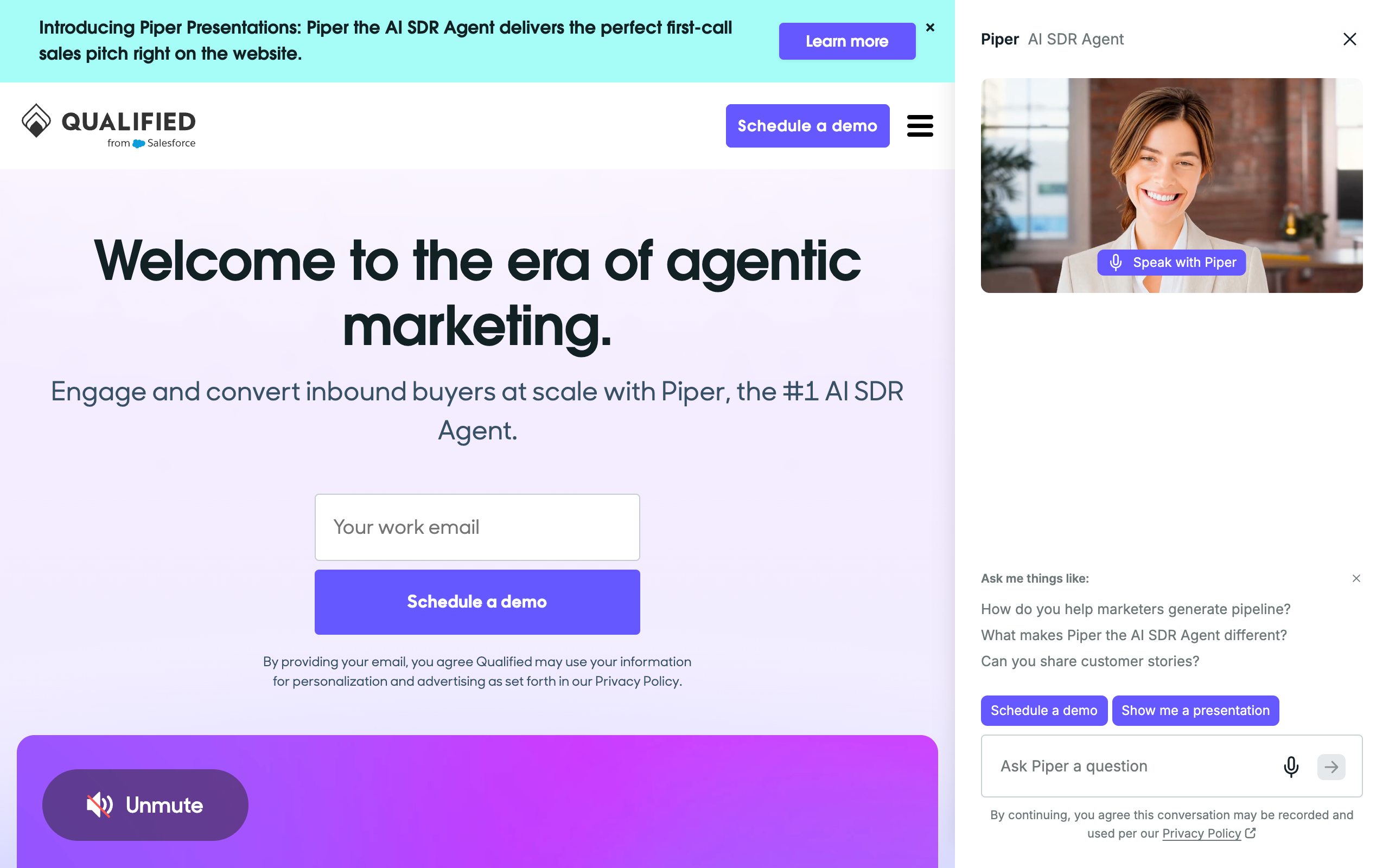
Method: books in chat. Qualified's Piper books meetings during live chat and turns website forms and buttons into meetings. Salesforce now owns Qualified.
Key features
- Chat, voice, and video on the website
- Meeting booking on every plan
- Email follow-up for inbound leads
- Salesforce and more than 20 other integrations
Pricing: custom. The pricing page lists three tiers and no prices.
Pros
- Enterprise routing and alerts
- Deep Salesforce fit
- Voice and video as well as chat
Cons
- No public pricing
- Sales-led buying process
- More than a small team needs
Best forEnterprise marketing teams on Salesforce with high website traffic.
How does the booking stack fit together?
An appointment funnel has three jobs: answer, collect, and book. Few small businesses need one tool to do all three. The scheduler they already own usually handles booking well.
| Job | What it does | Example tools |
|---|---|---|
| Answer | Replies to pre-booking questions from your content | SiteGPT, Chatbase |
| Collect | Gets contact details and the reason for the visit | SiteGPT lead form, HubSpot chatbot |
| Book | Holds the slot and sends confirmations | Calendly, Cal.com, Acuity, your practice software |
SiteGPT covers answer and collect, then passes the visitor to the book step through your link. Replace your scheduler for in-chat booking only if the extra click is losing you bookings.
Lead data moves separately from the booking. In SiteGPT, email notifications and CSV export work on any plan, and the leads webhook needs Scale or higher. The ways to act on those leads are in best AI chatbots for lead generation.
What should healthcare practices check first?
Dental and medical practices are common buyers, and booking chats can carry protected health information (PHI). A Business Associate Agreement (BAA) is a contract a HIPAA-covered practice signs with a vendor that handles PHI.
On SiteGPT a HIPAA BAA is Enterprise-only, never on Starter, Growth, or Scale. In a covered workspace, connected apps and chat integrations are off, PHI stays in end-user conversations, and training content must stay free of PHI. Industry lead templates are also not available there.
See SiteGPT's HIPAA page, the published BAA, and the workspace docs.
How do you write booking instructions for a chatbot?
Write booking instructions as one rule per line in plain words. SiteGPT's instructions guide recommends that format and notes that only one instruction set is active at a time. The same approach works in most AI chatbots.
Follow these five steps:
- Name the trigger. Say when to suggest booking, such as after a price question or when the visitor asks about availability.
- List what to collect. Keep it to what your team needs for the visit.
- Give the exact link. Paste the full URL once, and tell the bot to use only that link.
- Ban promises about time. The chatbot cannot see your calendar, so it must not suggest specific slots.
- Handle "not yet". Tell it to keep answering and to offer the link once more later.
Here is a starting set for a dental clinic. Replace the link and services with your own.
When a visitor asks about prices, new patient visits, or a specific treatment,
answer from the content first. Then suggest booking a visit.
Share this booking link: https://example.com/book
Do not say which times are open. The booking page shows the available times.
If the visitor is not ready to book, keep helping and do not repeat the link
more than once.
If the visitor describes severe pain or swelling, share the clinic phone number.
Do not give medical advice.
Test the set with 10 real questions from your inbox. If the chatbot ignores a rule, make the rule shorter and more direct, as the guide suggests.
Which AI appointment setter should you pick?
| Scenario | Best pick | Why |
|---|---|---|
| One meeting type, website chat, small budget | Chatbase | Calendly or Cal.com slots inside the chat from $32 a month billed yearly. |
| You run Intercom | Fin for Sales | Qualifies first, then shows a calendar card in the Messenger. |
| Your scheduler works and visitors ask questions first | SiteGPT | Answers from your content, then shares your booking link. |
| Paid ads send leads to a form | Setter AI | Texts the lead after the form and books into Calendly. |
| Most bookings start with a phone call | Retell AI | Voice agents read Cal.com live during the call. |
| You want a fixed flow | Landbot | A Calendly block at the end of a scripted web flow. |
| HubSpot is your CRM | HubSpot | A free Meetings bot, with answers saved to contacts. |
| Enterprise team on Salesforce | Qualified | Piper books during live chat. |
Where do your leads start?
- If Phone calls→Retell AI
- If Forms from ads→Setter AI
- If Website chat→Go to the next question
Must the time be picked inside the chat?
- If Yes, on Intercom→Fin for Sales
- If Yes, with no Intercom→Chatbase or Landbot
- If No, your scheduler works well→SiteGPT, HubSpot, or Tidio
Which bookings deserve a human first is covered in AI lead qualification tools compared.
FAQ
What is an AI appointment setter?
An AI appointment setter is software that talks to a lead, collects the details needed for a meeting, and moves the lead onto a calendar. It runs over website chat, text, or phone.
Some setters read live availability and book during the conversation. Others send the lead to a calendar link to finish the booking.
Can a chatbot book appointments directly?
Some can. Chatbase, Fin for Sales, Landbot, Qualified, and Setter AI complete the booking in the conversation, through a calendar connection such as Calendly or Cal.com.
SiteGPT, Tidio, and HubSpot's rule-based chatbot send a booking link, and the visitor picks the time on the calendar page.
Does SiteGPT integrate with Google Calendar or Calendly?
No. SiteGPT does not connect to a calendar or read availability. You add a booking link to a lead template or your instructions, and the chatbot gives that link to the visitor.
The visitor then books on whichever calendar page the link opens.
Which is better, in-chat booking or a calendar link?
In-chat booking removes one step for the visitor, and it needs a live calendar connection on a supported channel. A calendar link works with any scheduler and on any channel that can show a link.
Choose in-chat booking if the extra click loses you bookings. Choose a link if your scheduler has rules a chatbot cannot reproduce.
How do you write booking instructions for a chatbot?
Write one rule per line in plain words. State when the chatbot should suggest booking, which details to collect first, the exact link to share, and what to do for visitors who are not ready.
Tell it never to promise a specific time. It cannot see your calendar.
How much does an AI appointment setter cost?
As of 2 November 2026, prices start at free for HubSpot's rule-based chatbot and Tidio. Chatbase starts at $32 a month billed yearly, SiteGPT at $39 a month billed yearly, and Retell AI at $0.07 to $0.31 a minute.
Setter AI lists plans from $397 a month billed yearly. Qualified does not publish prices.
Can AI appointment setters be used in healthcare?
A US practice handling protected health information needs a Business Associate Agreement with the vendor.
On SiteGPT that agreement is Enterprise-only. A covered workspace turns off connected apps and chat integrations, and it does not offer industry lead templates. Ask every vendor the same questions before going live.
Sources
- Lead response time study, Workato. Workato sells automation software, so read it as vendor research.
- SiteGPT: collect leads, write instructions, how answers work, and pricing.
- Chatbase: Cal.com action, booking blog post, and pricing.
- Fin: Fin for Sales explained, Calendly booking, and pricing.
- Setter AI: homepage and pricing.
- Retell AI: Cal.com tools and pricing.
- Landbot: Calendly block and pricing.
- HubSpot: bot actions, customer agent, and pricing.
- Tidio: Lyro Action templates and pricing.
- Qualified: AI SDR page and pricing.